

Laptop / considered pick
Apple MacBook Air 13-inch Intel (2017)
A laptop selected for the way you work, create, play and move through the day.
₹84,800ProcessorIntel Core i5-5350U, 5th Generation, 1.8GHz Dual-Core (Turbo Boost up to 2.9GHz) Optional Intel Core i7-5650U, 2.2GHz Dual-Core (Turbo Boost up to 3.2GHz)Ram8GB 1600MHz LPDDR3 (Onboard, Not Upgradeable)Storage128GB PCIe SSD (Configurable to 256GB or 512GB)Display13.3-inch LED-Backlit Glossy Display, 1440 x 900 Resolution, 16:10 Aspect RatioBattery Life54Wh Up to 12 Hours Wireless Web Browsing Up to 12 Hours Video PlaybackGraphics CardIntegrated Intel HD Graphics 6000Ports2 x USB 3.0, 1 x Thunderbolt 2, MagSafe 2 Charging Port, SDXC Card Slot, 3.5mm Headphone JackOsmacOS Sierra (Original Launch Era) Newest Officially Supported Version: macOS MontereyWeight1.35 kg
Usage
Apple MacBook laptops are known for their premium design, smooth performance and excellent battery life. The latest MacBook lineup includes MacBook Air, MacBook Pro and the affordable MacBook Neo. With Apple Silicon processors, advanced displays and macOS features, these laptops are suitable for students, business professionals, developers and creative users.
LAUNCH PRICE IN INDIA
Approximately ₹80,900 (128GB SSD configuration, reported original price)
POST-GST PRICE IN INDIA
₹77,200 (July 2017 revised price)
CAMERA
720p FaceTime HD Camera
AUDIO
Stereo Speakers and Dual Microphones
KEYBOARD
Backlit Full-Size Keyboard with Multi-Touch Trackpad
AVAILABLE COLOUR
Silver
LAUNCH DATE
Updated and Introduced: 5 June 2017
1. Office Work: Suitable for basic Microsoft Word, Excel, PowerPoint, LibreOffice, and document management.
2. Students: Useful for assignments, research, presentations, PDF reading, and educational tasks.
3. Online Classes: Supports browser-based learning, Zoom versions compatible with macOS Monterey, and Google Meet.
4. Coding: Suitable for beginner Python, HTML, CSS, C programming, and lightweight development using compatible versions of Visual Studio Code.
5. Normal Tasks: Handles basic browsing, YouTube, emails, music, and everyday computer activities.
6. Medium Tasks: Can manage simple spreadsheets, lightweight photo editing, and limited multitasking.
7. Gaming: Restricted to older Mac-compatible games and lightweight titles; not suitable for modern demanding games.
8. Photo Editing: Suitable for basic image adjustments using compatible versions of GIMP and Adobe Photoshop.
9. Technical Software: Useful for beginner programming, basic web development, and lightweight educational applications.
10. Overall Recommendation: Best for basic office work, students, typing, browsing, and everyday tasks. Its older processor, 8GB fixed RAM, and limited software compatibility make it unsuitable for demanding professional workloads.
More to consider
Similar laptops
Other laptops close to this price.
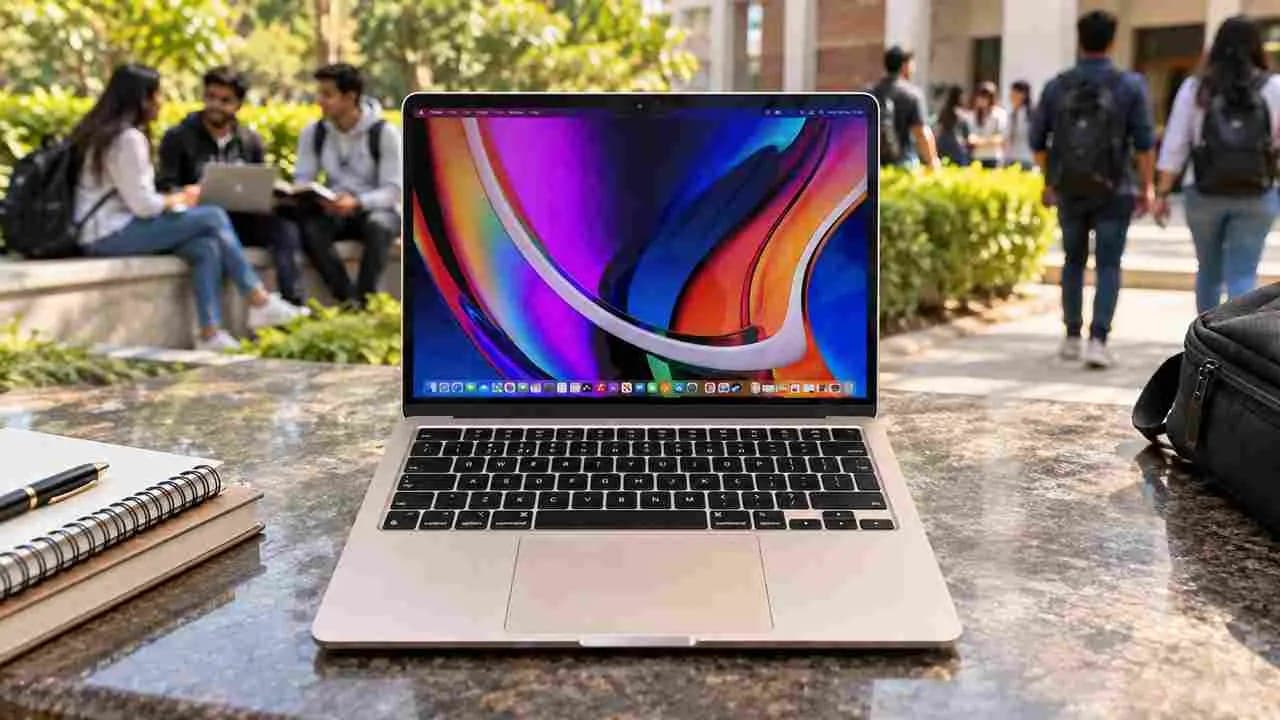
Apple MacBook Air 13-inch M2 (2022)
₹89,000
Apple MacBook Air 13-inch Intel (2020)
₹92,500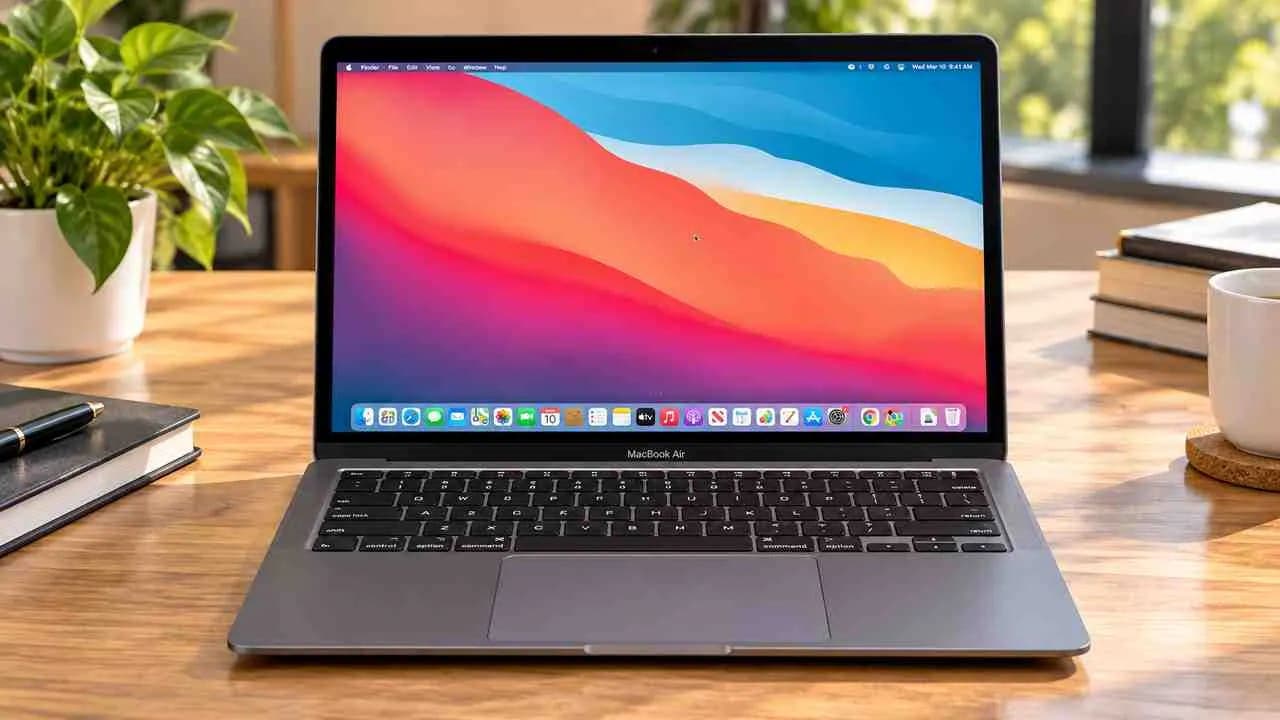
Apple MacBook Air 13-inch M1 (2020)
₹95,000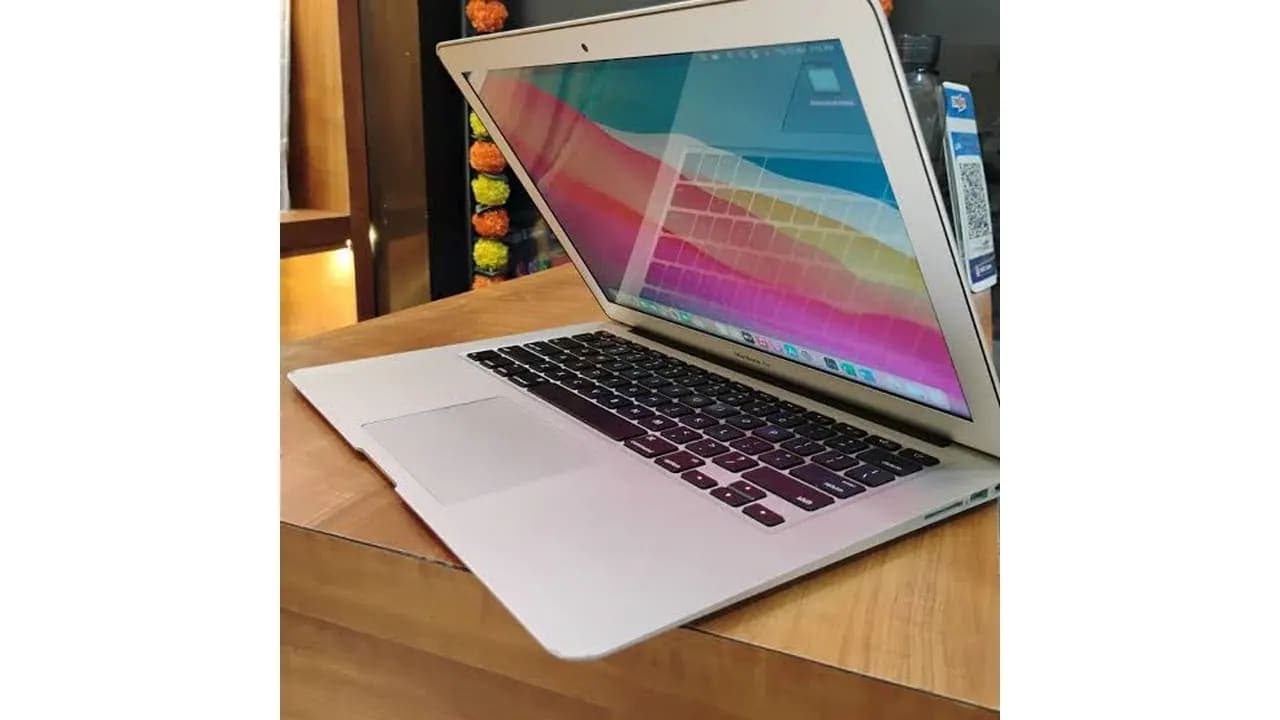
Apple MacBook Air 13(A1466)
₹64,999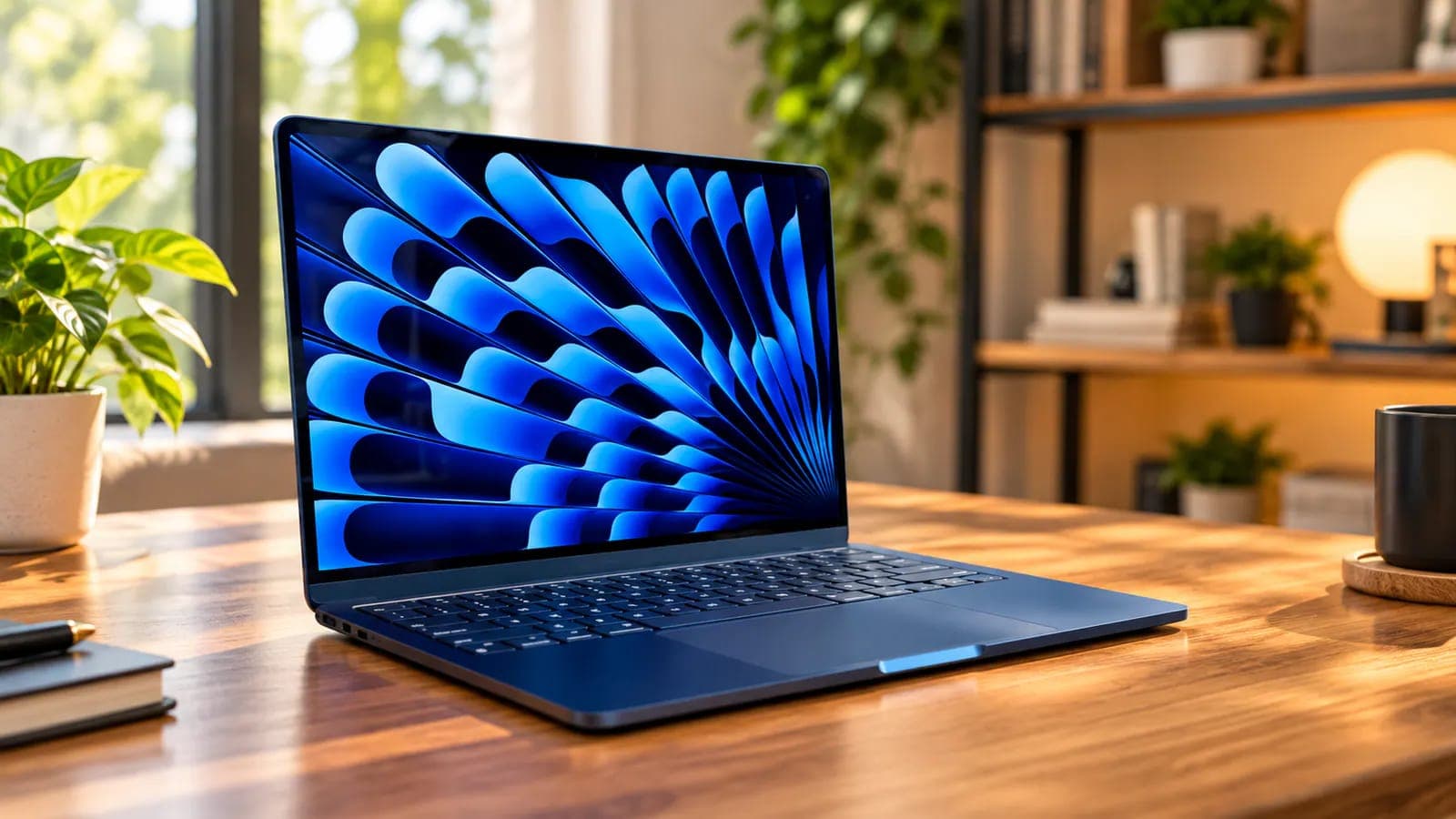
Apple MacBook Air 13-inch M4 (2025)
₹1,00,000
Apple MacBook Air 15-inch M2 (2023)
₹1,16,000
Apple MacBook Air 15-inch M3 (2024)
₹1,35,000
Apple MacBook Air 13-inch M3 (2024)
₹1,35,000
Apple MacBook Pro M4
₹1,38,000
Apple MacBook Air 13 (M5)
₹1,39,899
Apple MacBook Air 15-inch M4 (2025)
₹1,49,000
Apple MacBook Air 13-inch M5 (2026)
₹1,50,000
Apple MacBook Air 15-inch M5 (2026)
₹1,80,000