Laptop / considered pick
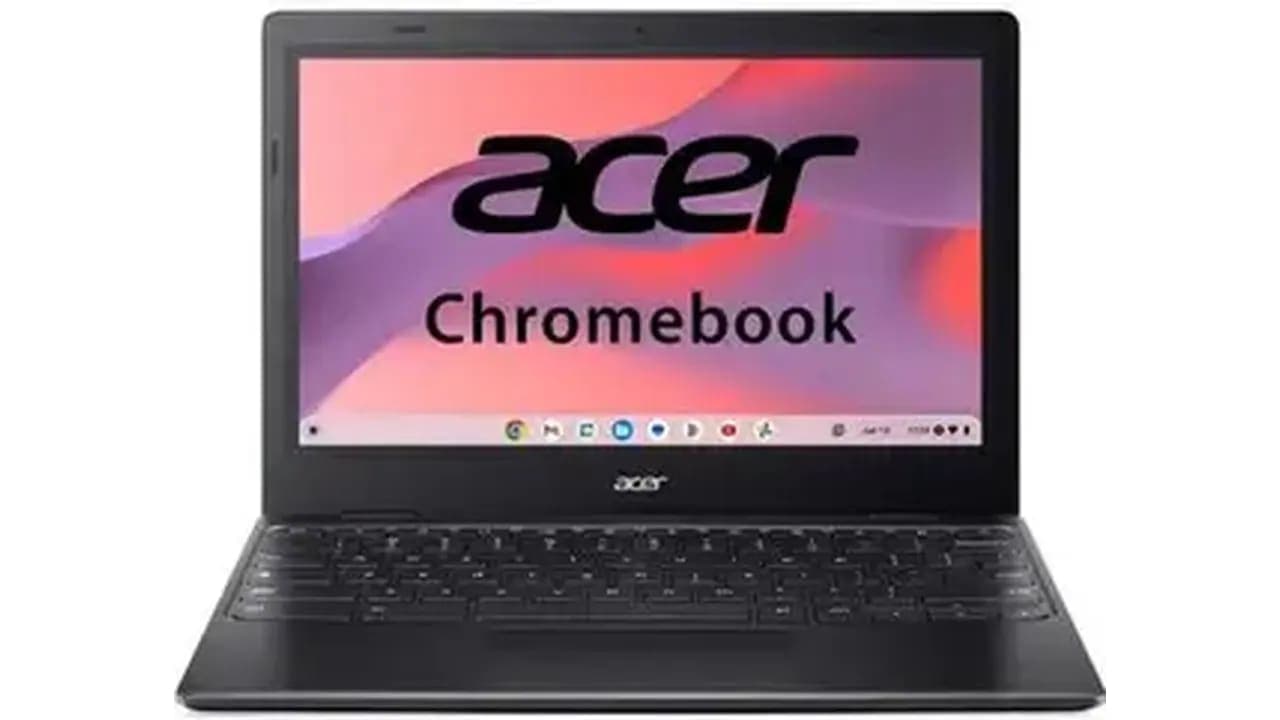
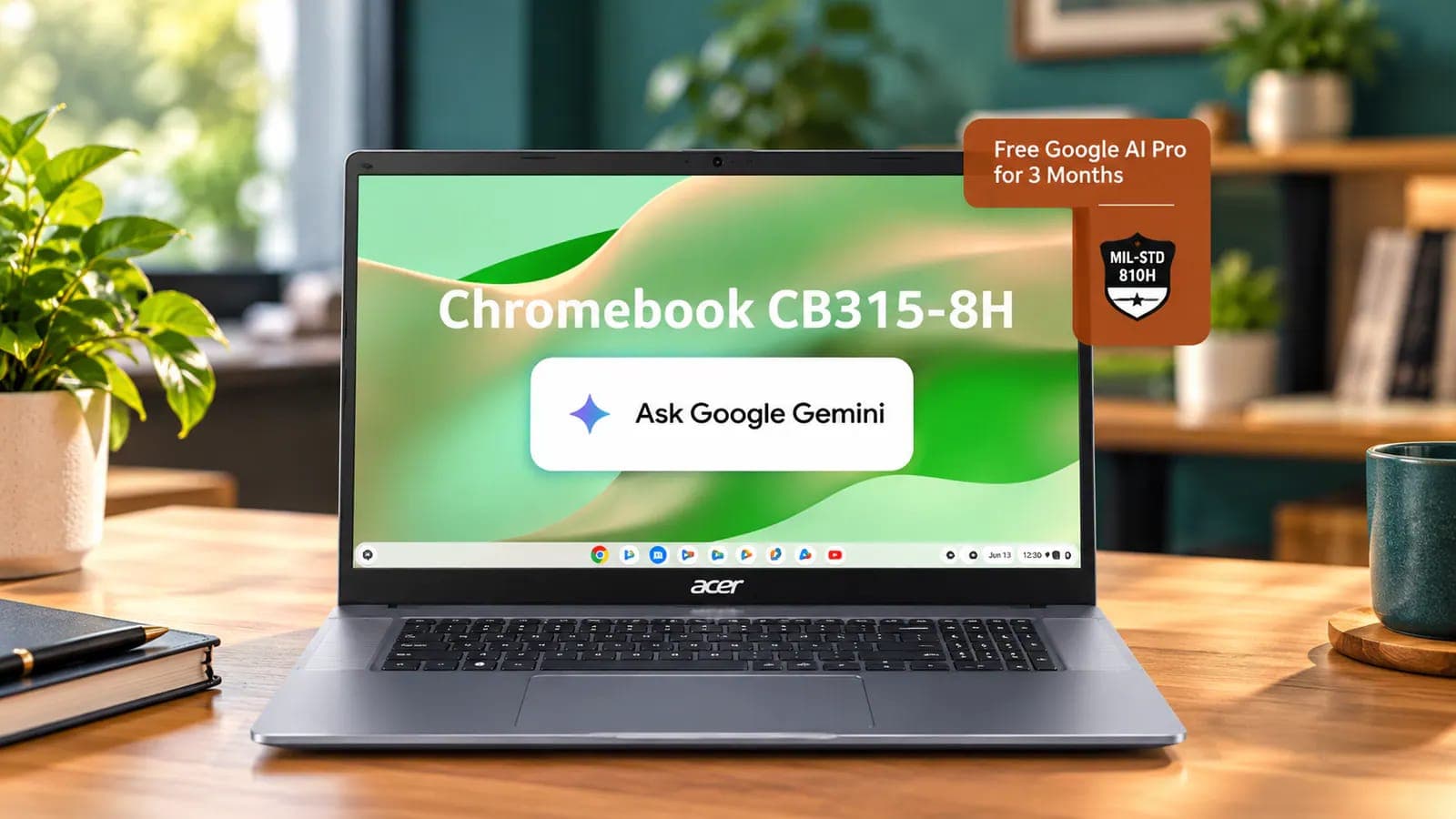
Acer Chromebook 315 CB315-8H
A laptop selected for the way you work, create, play and move through the day.
₹25,000ProcessorMediaTek Kompanio 540 Octa-Core, up to 2.6 GHzRam4GB LPDDR5XStorage64GB eMMCDisplay15.6-inch Full HD Display (1920 x 1080), 60Hz, Matte ComfyViewBattery LifeUp to 13 Hours (listed battery life; actual results vary)Graphics CardIntegrated ARM Mali-G57 MC2 GraphicsPortsUSB Type-C, USB Type-A, 3.5mm Audio JackOsChromeOSWeight1.4kg
Usage
Acer laptop prices vary depending on the processor, RAM, SSD storage, display and graphics card. Whether you need an affordable Acer laptop for studying or a powerful machine for professional work, there are multiple configurations to consider. Before purchasing, compare Acer laptop specifications, features, warranty and available offers to make a better buying decision.
The Acer Chromebook 315 CB315-8H is a lightweight laptop designed for students, office users and everyday computing. It features a large 15.6-inch Full HD display, MediaTek Kompanio 540 processor, LPDDR5X memory and ChromeOS.
This Acer Chromebook 315 laptop is designed for web browsing, online classes, video streaming, document editing and daily productivity. Its lightweight design, long battery life and simple ChromeOS experience make it a practical choice for users who mainly work online.
1. Acer Chromebook 315 CB315-8H Specifications
A. Basic Information
• Brand: Acer
• Model: Chromebook 315 CB315-8H
• Laptop Type: Chromebook
• Series: Acer Chromebook 315
• Colour: Silver
• Product Design: Slim and lightweight
B. Processor
• Processor Brand: MediaTek
• Processor: MediaTek Kompanio 540
• Processor Model: MT8189GV/AZ (on listed configurations)
• CPU Cores: Octa-core
• Processor Speed: Up to 2.6 GHz (model specification)
C. RAM and Storage
• RAM: 4GB LPDDR5X (listed configurations)
• Storage: 64GB or 128GB eMMC, depending on variant
• Maximum Supported Memory: Up to 16GB on listed configurations
D. Display
• Display Size: 15.6 inches
• Display Type: Full HD TFT LCD
• Resolution: 1920 x 1080 pixels
• Refresh Rate: 60Hz
• Display Finish: Matte / Anti-glare
• Touchscreen: Depends on model variant
E. Graphics
• Graphics: Integrated MediaTek graphics
• Graphics Model: ARM Mali-G57 MC2 (listed configuration)
F. Battery
• Battery Type: Lithium-ion
• Battery Cells: 3-cell
• Battery Life: Up to 13 hours, depending on configuration and usage
G. Connectivity
• Wi-Fi: Wi-Fi 6E on listed configurations
• Bluetooth: Bluetooth 5.4 or above on listed configurations
H. Ports
• 2 x USB Type-C 3.2 Gen 1
• 2 x USB Type-A 3.2 Gen 1
• 3.5mm Headphone Jack
• Kensington Lock Slot
I. Operating System
• Operating System: ChromeOS
J. Camera and Audio
• Camera: Full HD 1080p webcam on listed configurations
• Microphone: Built-in microphone
• Speakers: Dual speakers
K. Weight and Design
• Weight: Approximately 1.48 kg
• Body Colour: Silver
• Keyboard: Standard Chromebook keyboard
• Touchpad: OceanGlass Touchpad
• Keyboard Backlight: No (listed configuration)
2. MediaTek Kompanio 540 Processor Performance
A. Processor Technology
The Acer Chromebook 315 CB315-8H uses the MediaTek Kompanio 540 processor in its listed configurations. It is an ARM-based processor designed for Chromebook performance and power efficiency.
B. Everyday Performance
The processor is suitable for web browsing, online meetings, document editing, video streaming and everyday computing tasks.
C. Multitasking
Users can work with browser tabs, Google Docs, Google Sheets and other ChromeOS applications. Performance depends on the installed RAM and workload.
D. Power Efficiency
The ARM-based processor is designed to provide efficient performance while helping the laptop maintain good battery life.
3. RAM and Storage
A. 4GB LPDDR5X RAM
Selected Acer Chromebook 315 CB315-8H configurations come with 4GB LPDDR5X RAM. This memory is suitable for everyday browsing, online classes and basic productivity.
B. 64GB eMMC Storage
Some configurations offer 64GB eMMC storage for saving documents, downloads and essential files.
C. 128GB eMMC Storage
Other configurations come with 128GB eMMC storage, providing more space for applications and personal files.
D. Cloud Storage
ChromeOS works well with cloud services such as Google Drive. Users can save files online and access them across supported devices.
4. 15.6-inch Full HD Display
A. Large Screen
The Acer Chromebook 315 features a large 15.6-inch display that provides more screen space for daily work and entertainment.
B. Full HD Resolution
Its 1920 x 1080 pixel resolution delivers clear text, images and videos.
C. Matte Display
The matte display finish helps reduce reflections and makes the screen comfortable to use in different lighting conditions.
D. Everyday Viewing
The large screen is suitable for online classes, watching videos, reading documents and browsing websites.
5. Graphics Performance
A. Integrated Graphics
The Chromebook uses integrated MediaTek graphics for everyday visual tasks.
B. Video Streaming
It supports everyday video streaming and multimedia activities through compatible ChromeOS applications.
C. Online Work
Users can work with browser-based design tools, presentations and other supported applications.
D. Gaming
This Chromebook is mainly designed for everyday computing rather than demanding PC gaming or professional 3D graphics work.
6. Battery Life and Charging
A. Battery Performance
Selected Acer Chromebook 315 CB315-8H configurations are rated for up to 13 hours of battery life.
B. Online Classes
The battery can support study sessions, web browsing and online meetings, depending on usage.
C. Daily Usage
Battery performance changes with screen brightness, Wi-Fi usage, applications and the installed hardware configuration.
D. Charging
The laptop supports USB Type-C connectivity. Charging capability and supplied adapter can depend on the exact regional model.
7. Design and Build Quality
A. Silver Finish
The Acer Chromebook 315 comes with a clean silver finish and a simple professional design.
B. Lightweight Body
Its approximate weight of 1.48 kg makes it easier to carry between home, college and office.
C. Large Laptop Design
The 15.6-inch display provides a comfortable viewing area for working with documents and websites.
D. Everyday Portability
Its slim design makes it suitable for users who need a laptop for regular study and basic work.
8. Keyboard, Touchpad and Camera
A. Chromebook Keyboard
The laptop comes with a Chromebook keyboard designed for comfortable typing and everyday productivity.
B. OceanGlass Touchpad
The OceanGlass touchpad supports smooth cursor movement and everyday navigation.
C. Full HD Webcam
Selected configurations include a 1080p webcam for online classes and video meetings.
D. Audio System
The laptop includes built-in microphones and dual speakers for video calls, online learning and entertainment.
9. Connectivity and Ports
A. USB Type-C Ports
• 2 x USB 3.2 Gen 1 Type-C ports
B. USB Type-A Ports
• 2 x USB 3.2 Gen 1 Type-A ports
C. Audio Connectivity
• 3.5mm headphone jack
D. Security and Wireless
• Kensington lock slot
• Wi-Fi 6E on listed configurations
• Bluetooth 5.4 or above on listed configurations
These connectivity options allow users to connect compatible accessories, headphones, external storage devices and other peripherals.
10. ChromeOS and Software Experience
A. ChromeOS Operating System
The Acer Chromebook 315 runs ChromeOS, Google's operating system designed for simple and secure computing.
B. Google Applications
Users can work with Google Chrome, Google Docs, Google Sheets, Google Slides and other compatible applications.
C. Cloud Integration
Google Drive allows users to store and access files online. This is useful for students and office users who work across multiple devices.
D. Security and Updates
ChromeOS includes built-in security features and automatic software updates for supported devices. The exact update support period depends on the device's model and release information.
11. Acer Chromebook 315 vs Traditional Windows Laptop
A. Operating System
The Acer Chromebook 315 uses ChromeOS, while traditional laptops commonly use Windows.
B. Software Support
Chromebooks are suitable for web applications and supported Android or Linux applications. Windows laptops support a wider range of traditional desktop software.
C. Storage
The Chromebook uses eMMC storage in the listed configurations. Many Windows laptops offer larger SSD storage options.
D. Performance
The Acer Chromebook 315 is designed for browsing, online learning and everyday productivity. Heavy professional software and demanding gaming are better suited to more powerful laptops.
12. Acer Chromebook 315 CB315-8H Price in India
A. Price Information
The price of the Acer Chromebook 315 CB315-8H can vary depending on the exact configuration, seller and country.
B. RAM and Storage Difference
The 4GB RAM and 64GB eMMC version may have a different price from the 4GB RAM and 128GB eMMC version.
C. Current Price
Check the latest seller listing for the current Acer Chromebook 315 price in India. Do not compare different variants without checking their specifications.
D. Buying Check
Before purchasing, confirm the processor, RAM, storage, display type, warranty and included charger.
13. Advantages and Disadvantages
A. Advantages
• Large 15.6-inch Full HD display
• Efficient MediaTek Kompanio processor
• LPDDR5X memory
• Lightweight design
• ChromeOS is simple to use
• Useful USB Type-C and Type-A ports
• Good battery life on supported configurations
• Suitable for online classes and everyday work
B. Disadvantages
• 4GB RAM may limit heavy multitasking
• eMMC storage is smaller than many SSD options
• Not designed for demanding gaming
• Limited support for some traditional Windows software
• Keyboard is not backlit on listed configurations
• Specifications vary by regional model
The Acer Chromebook 315 CB315-8H is a practical Chromebook designed for students, home users and people who mainly work online.
Its 15.6-inch Full HD display, MediaTek Kompanio 540 processor, LPDDR5X memory, eMMC storage and ChromeOS provide a simple everyday computing experience.
If you are searching for Acer Chromebook 315 CB315-8H specifications, Acer Chromebook 315 price in India, MediaTek Kompanio 540 Chromebook, 15.6-inch Full HD Chromebook or Acer Chromebook 315 4GB RAM 128GB storage, this laptop is worth comparing with other entry-level Chromebooks.
More to consider
Similar laptops
Other laptops close to this price.
Acer Aspire 3 (Intel Celeron Dual-Core)
₹29,990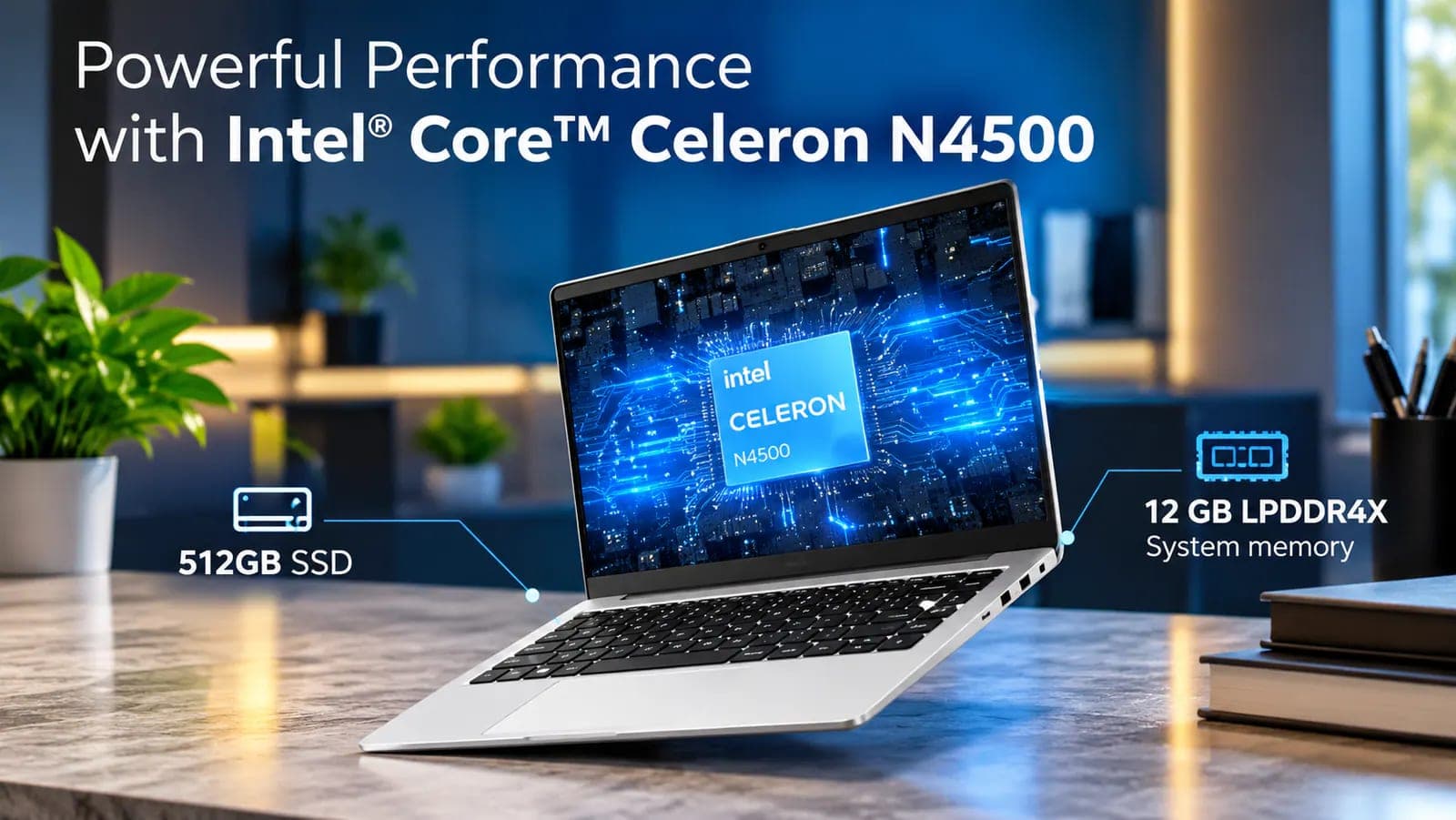
Acer Aspire 1 (Intel Celeron)
₹35,000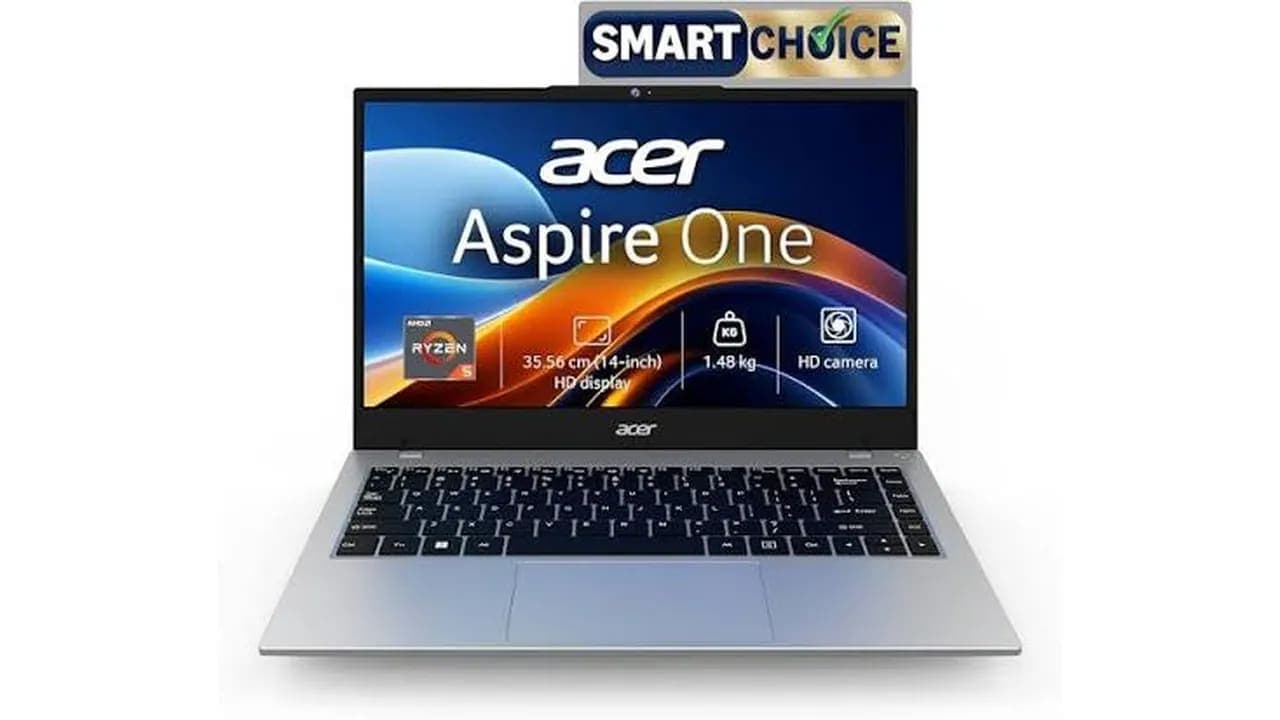
Acer Aspire 14 (AMD Ryzen Variant)
₹40,000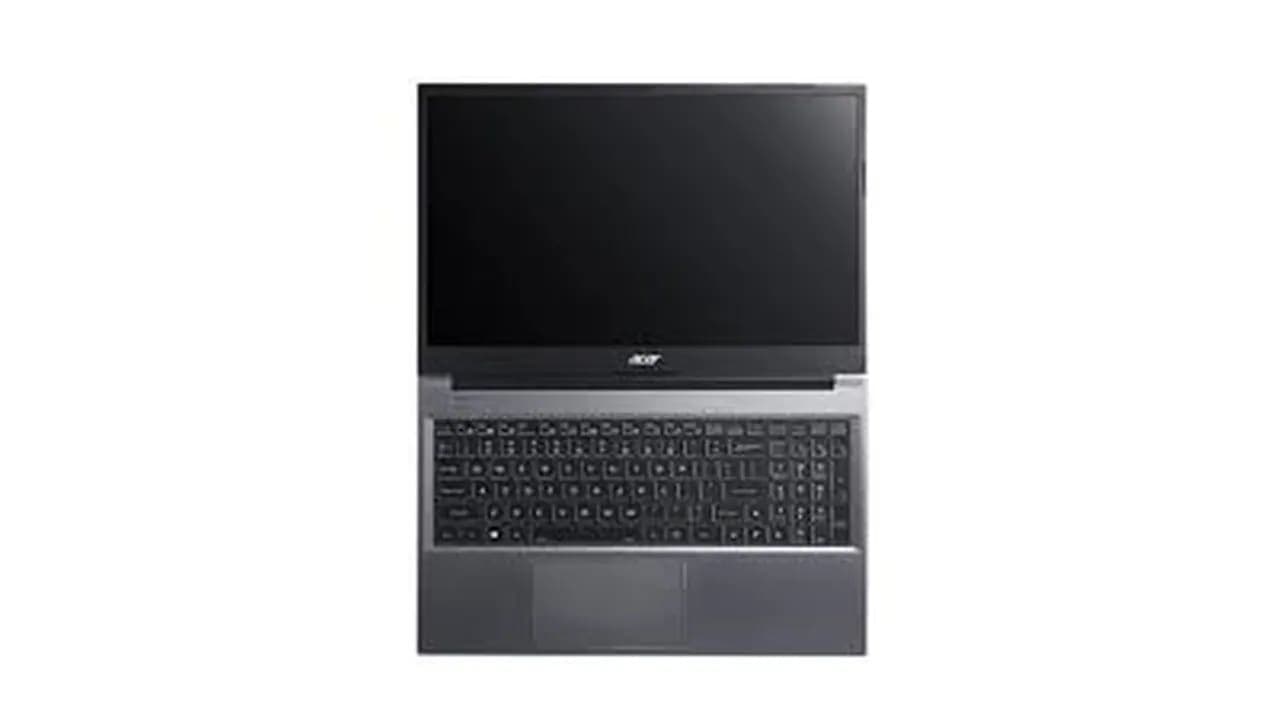
Acer Aspire Lite (AMD Ryzen 3)
₹42,989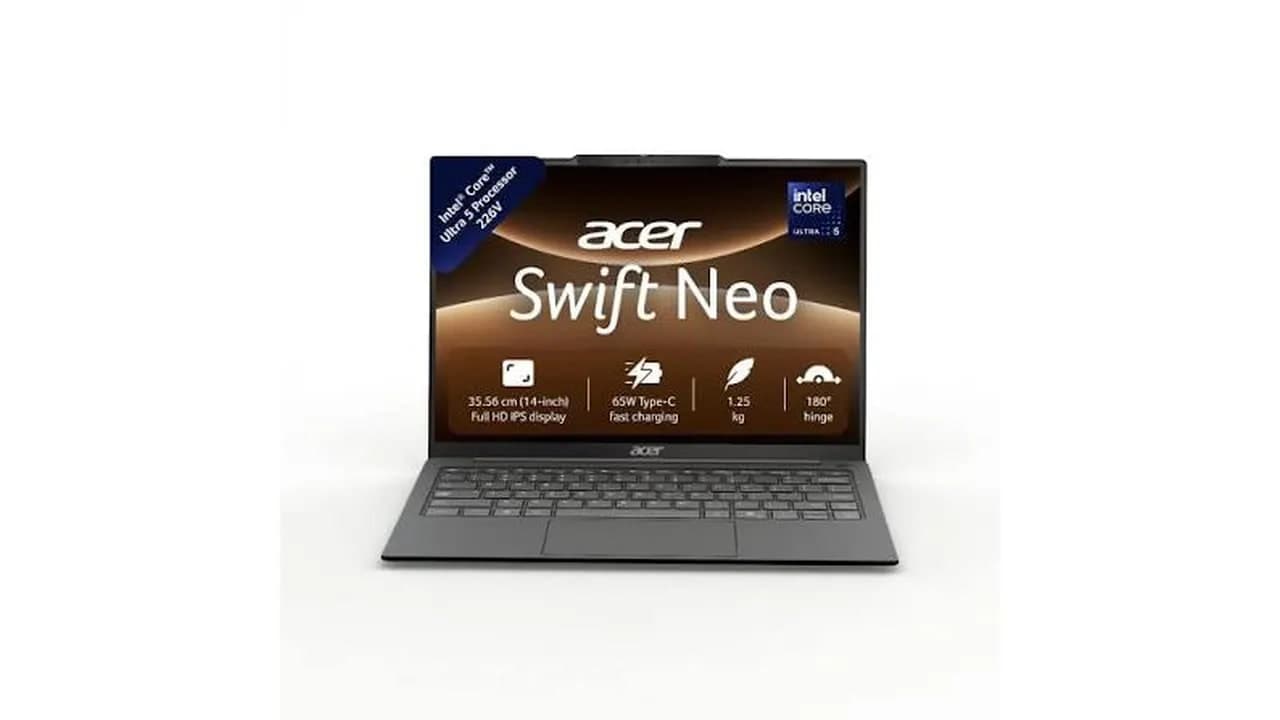
Acer Swift Neo (Intel Core Ultra 5 )
₹59,990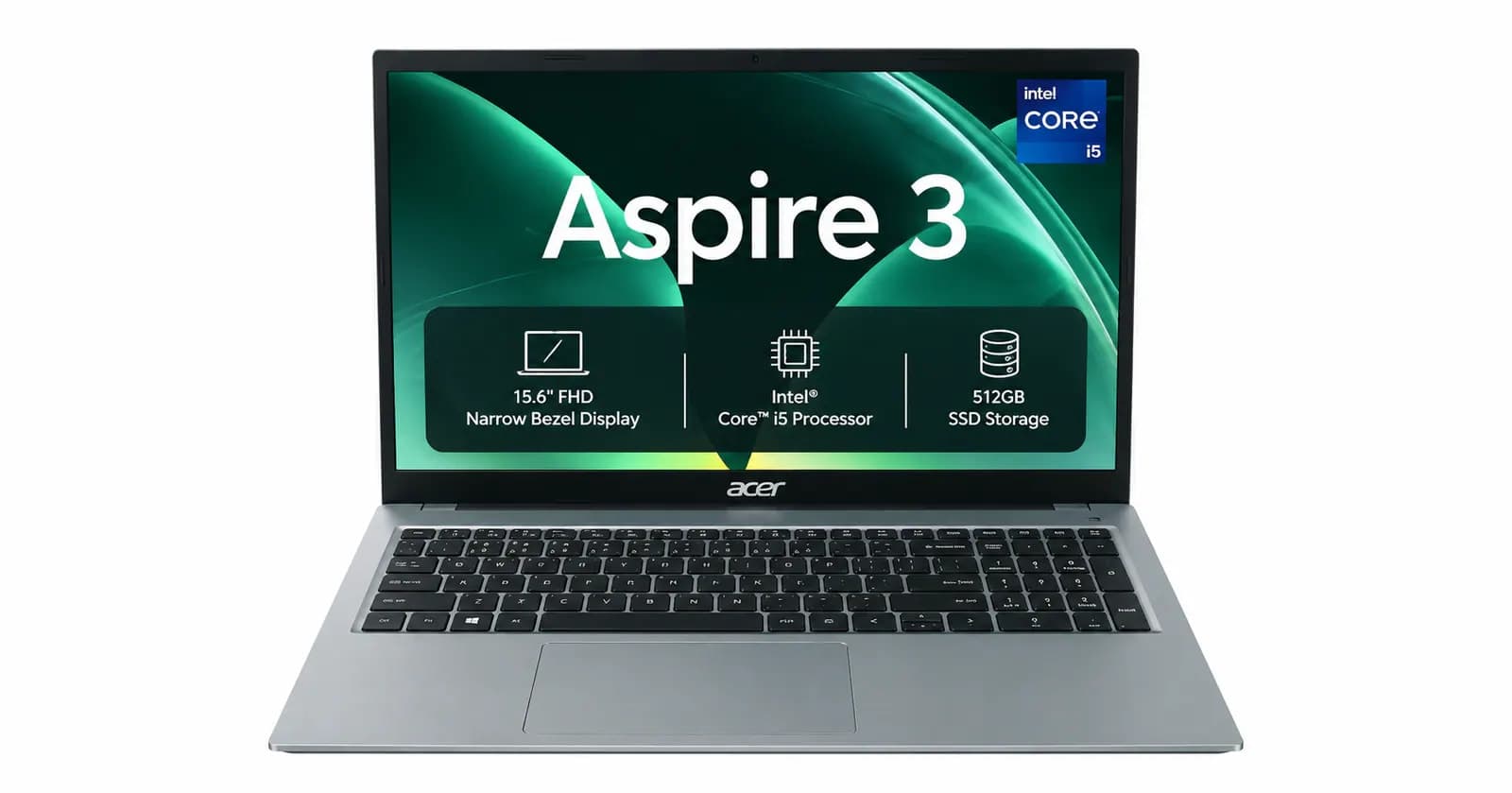
Acer Aspire 3 AI PC (Intel Core Ultra 5)
₹70,000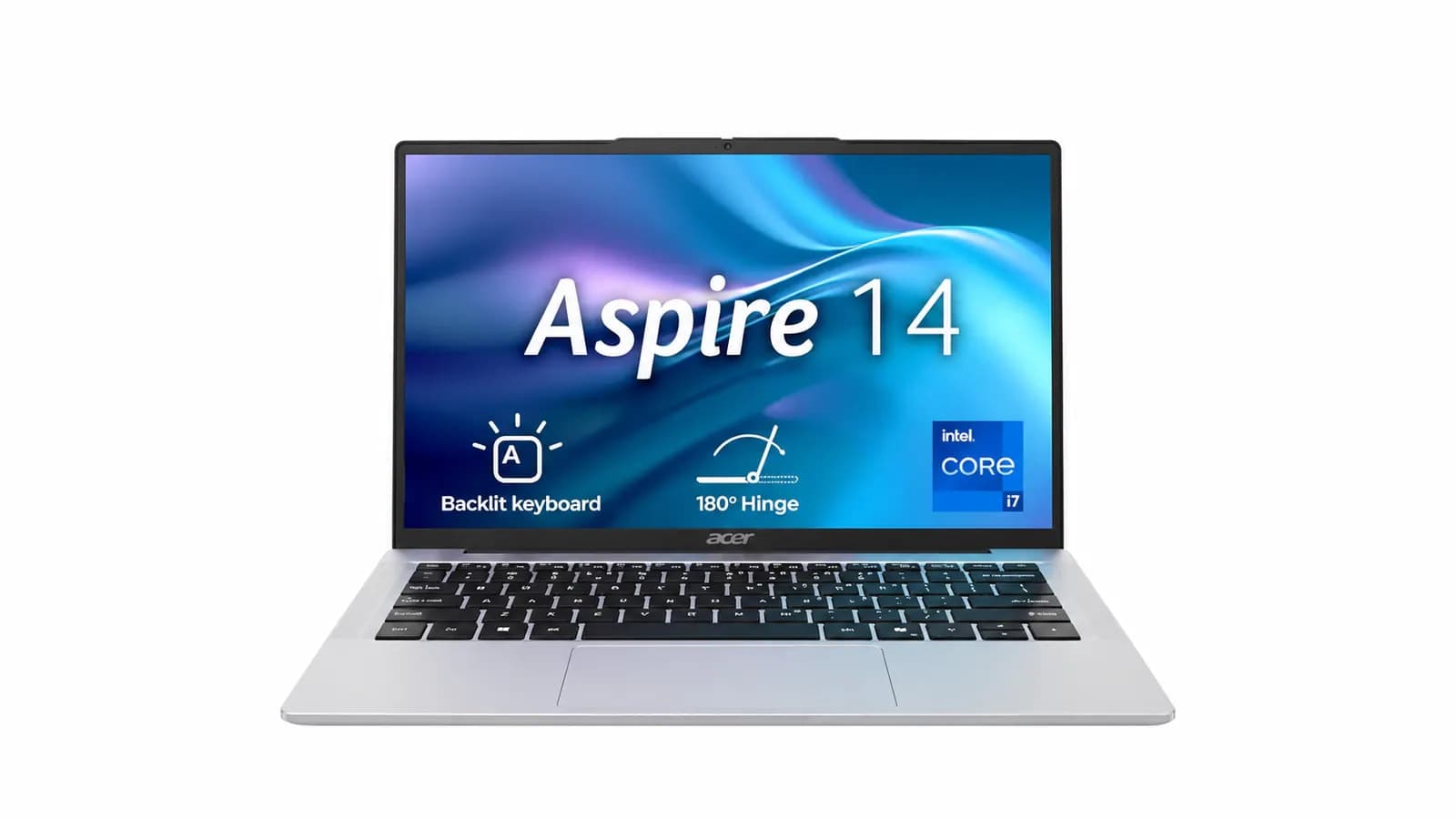
Acer Aspire 14 (Intel Core 5 Core Ultra)
₹70,990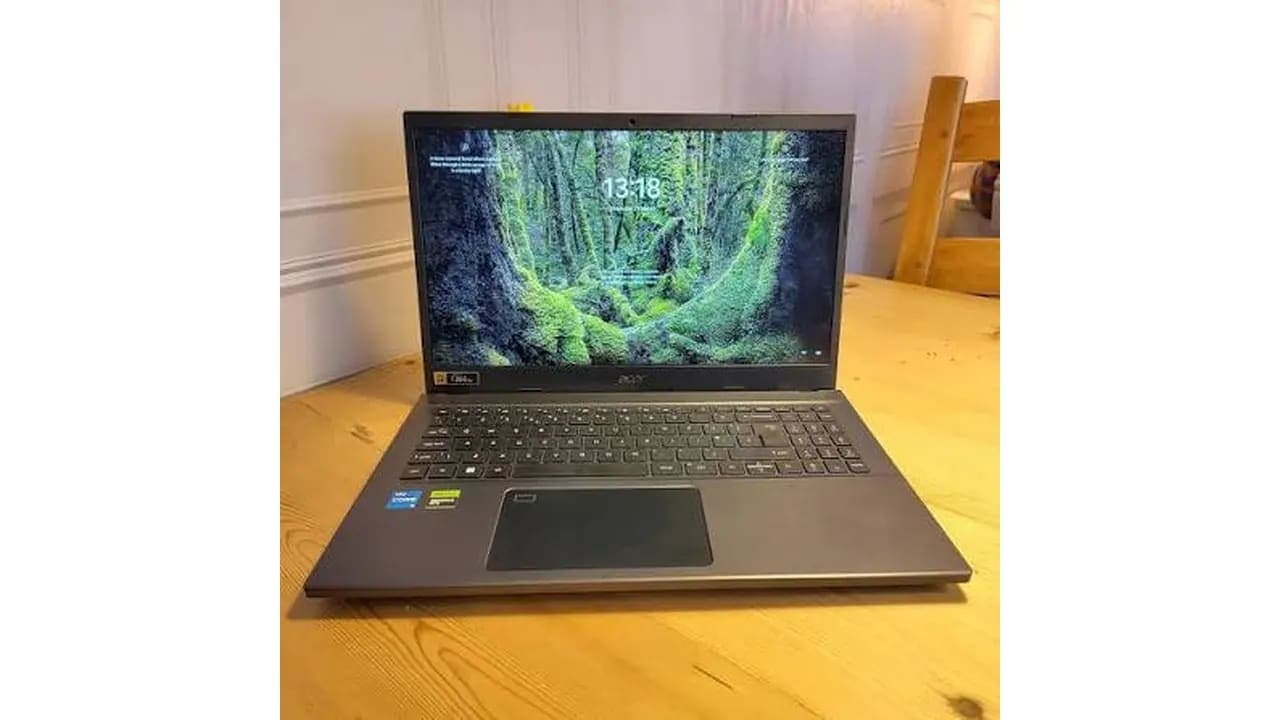
Acer Aspire 7 (Gaming & Performance)
₹80,000
Lenovo 100e Chromebook Gen 4 (82W0001DHA)
₹22,000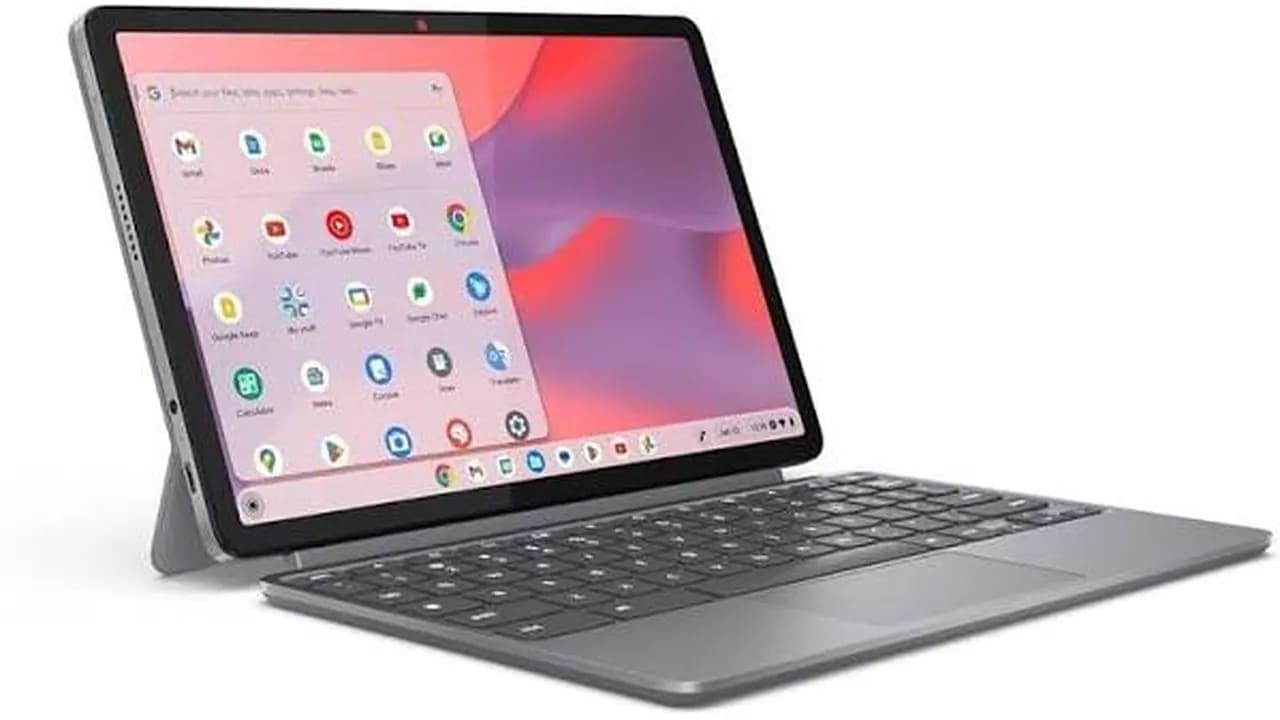
Lenovo Chromebook Duet 11M889
₹27,000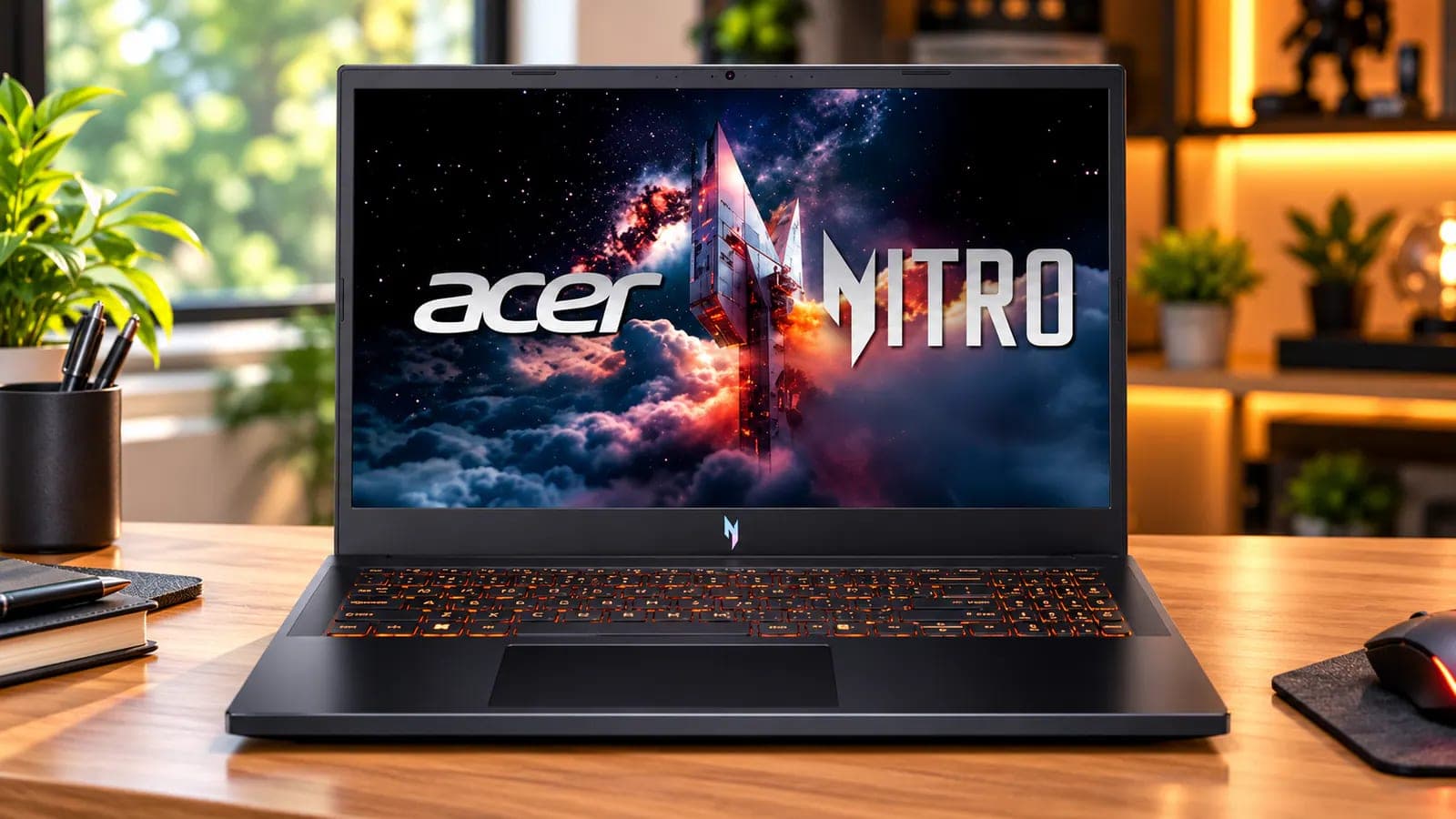
Acer Nitro V 15
₹96,000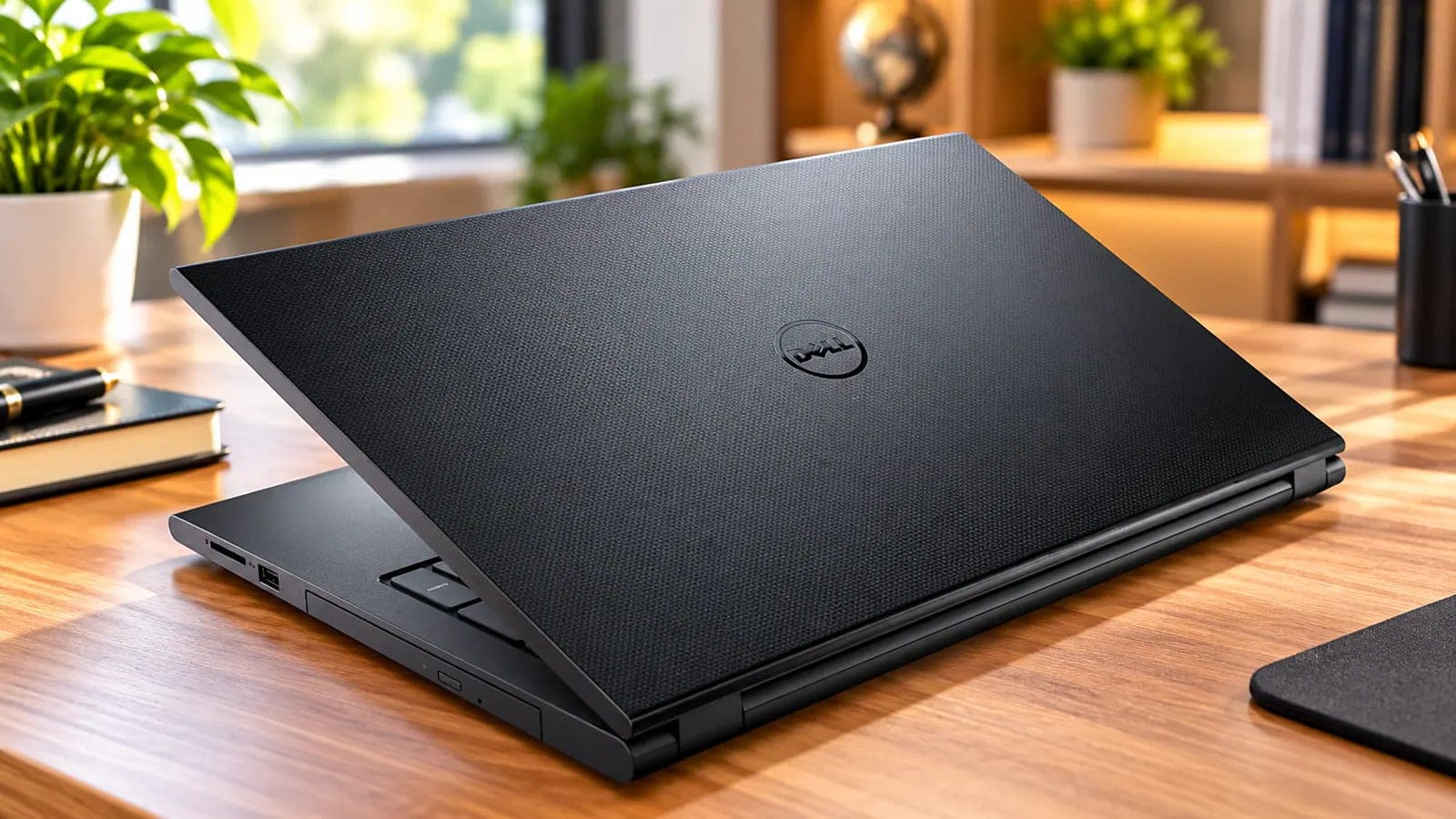
Dell Inspiron 15 3543 (3000 Series)
₹18,000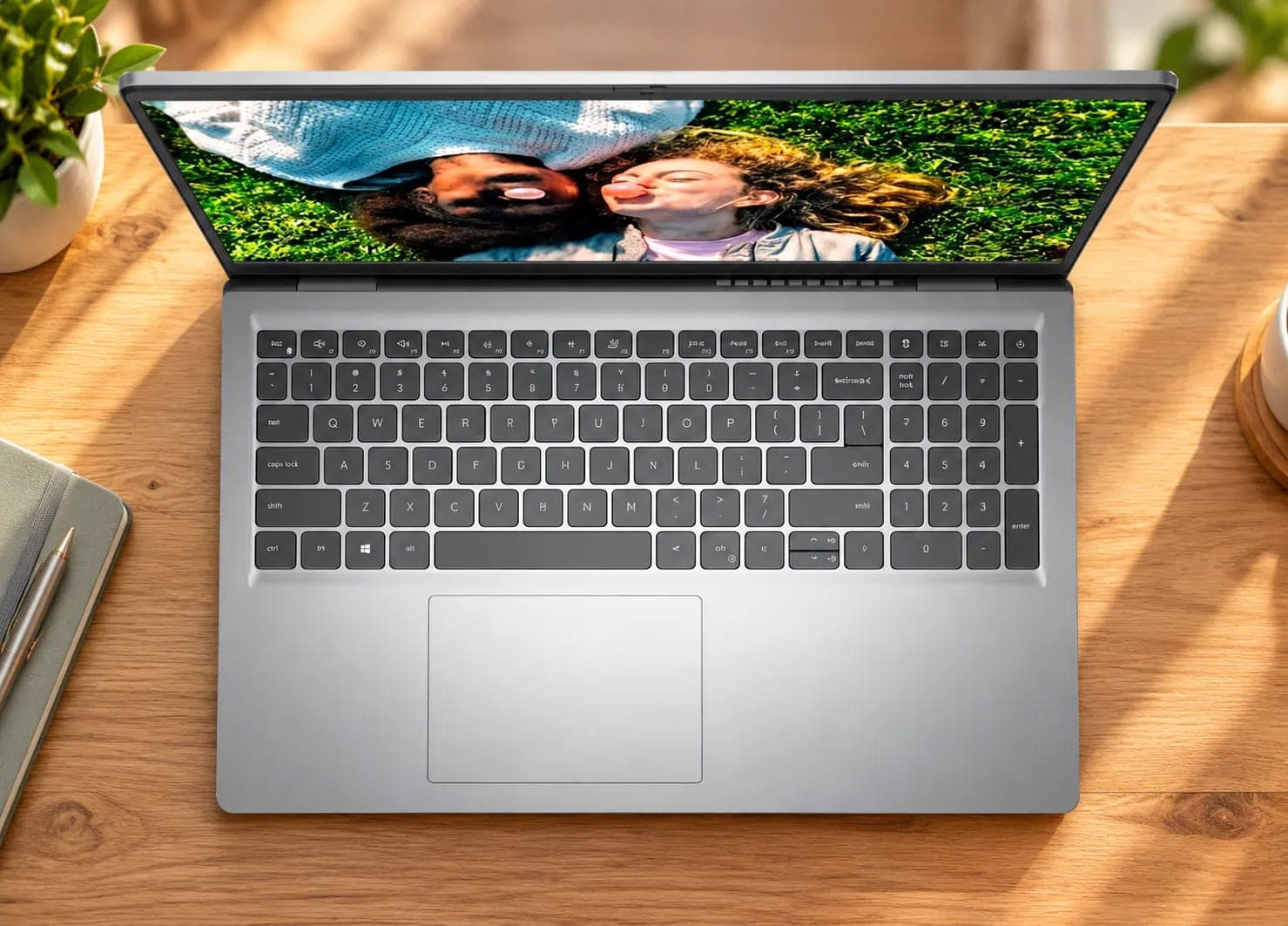
Dell Vostro 3520 (Inspiron 3000 Series)
₹45,000