Laptop / considered pick
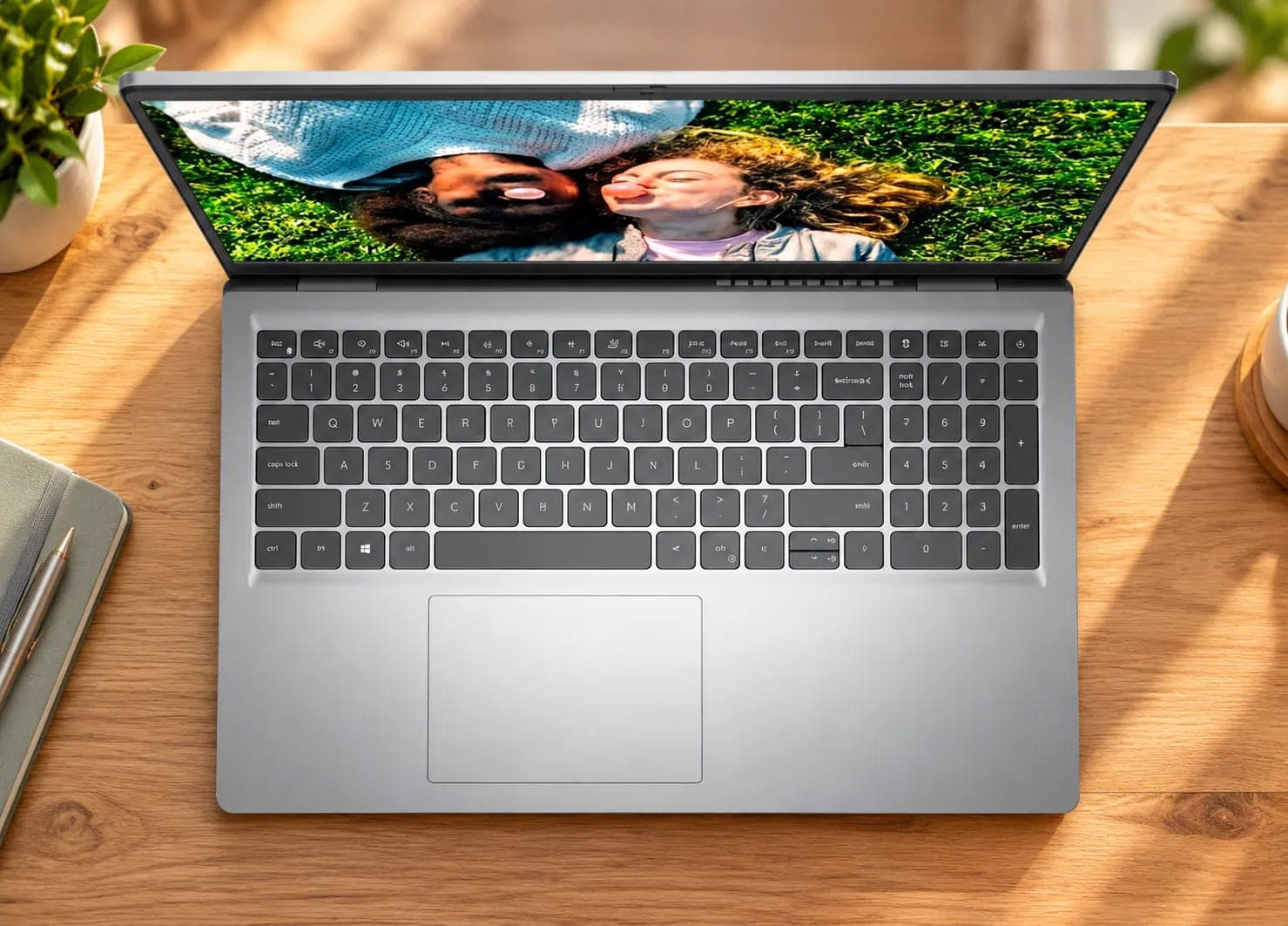
Dell Vostro 3520 (Inspiron 3000 Series)
A laptop selected for the way you work, create, play and move through the day.
₹45,000ProcessorIntel Core i3-1215U / i5-1235U (12th Gen, up to 4.4 GHz)Ram8GB / 16GB DDR4 (Upgradable)Storage512GB M.2 PCIe NVMe SSDDisplay15.6-inch FHD (1920 x 1080) Anti-Glare LED-Backlit Non-Touch DisplayBattery Life3-Cell 41Whr Battery (Approx. 5 to 6 hours normal usage)Graphics CardIntel UHD GraphicsPorts2 x USB 3.2 Gen 1 ports, 1 x USB 2.0 port, 1 x HDMI 1.4, 1 x RJ-45 Ethernet port, 1 x Global Headset Jack, 1 x SD 3.0 card slotOsWindows 11 Home + MS Office Home & Student 2021Weight1.69 kg
Usage
1. Office Work: Microsoft Word, Excel, PowerPoint, Outlook, and TallyPrime for documents, spreadsheets, presentations, and accounting.
2. Students: Assignments, online research, PDF reading, presentations, and exam preparation using Microsoft Office and Adobe Acrobat Reader.
3. Online Classes: Google Meet, Zoom, Microsoft Teams, and Google Classroom for virtual learning and meetings.
4. Coding: Visual Studio Code, Python, PyCharm, Git, and Node.js for beginner to intermediate programming, depending on RAM and processor.
5. Normal Tasks: Chrome browsing, YouTube, email, online banking, shopping, and everyday computing.
6. Medium Tasks: Power BI dashboards, large Excel files, Canva designs, and light Photoshop editing on suitable configurations.
7. Gaming: Lightweight games and older titles may run at suitable settings. The optional NVIDIA GeForce MX550 variant is more capable than integrated graphics, but this is not a dedicated high-performance gaming laptop.
8. Photo and Video Editing: GIMP, Canva, Photoshop, and basic video editing with Clipchamp or Adobe Premiere Pro, depending on the hardware configuration.
9. Engineering Software: Basic AutoCAD 2D, MATLAB, Proteus, and KiCad projects; complex 3D engineering workloads require more powerful hardware.
10. Overall Recommendation: Best for office professionals, students, small businesses, programming, and everyday productivity. Check the exact processor, RAM, SSD, screen type, and graphics before choosing it for demanding workloads.
More to consider
Similar laptops
Other laptops close to this price.
Dell Latitude 5410
₹70,000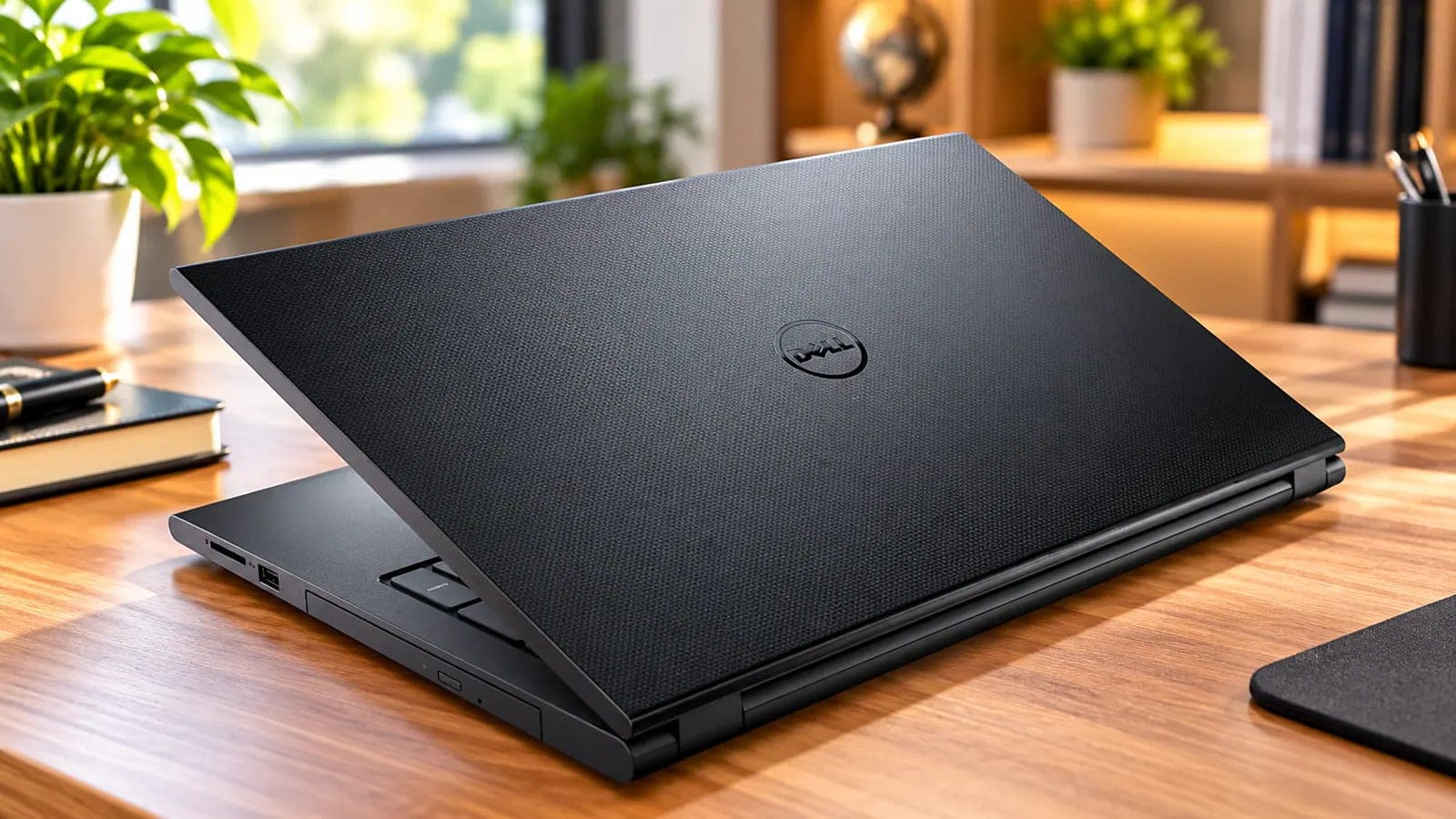
Dell Inspiron 15 3543 (3000 Series)
₹18,000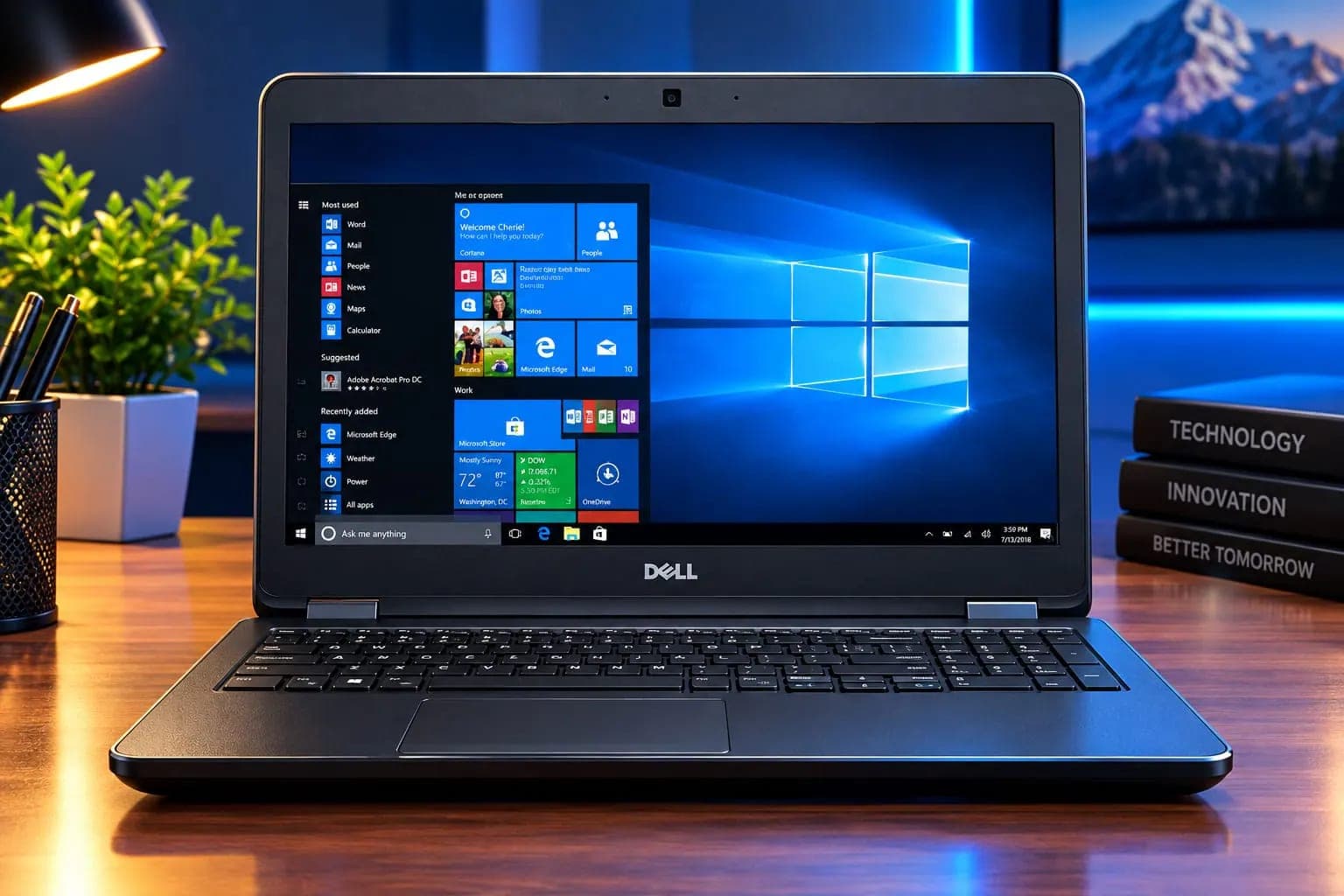
Dell Latitude 5490
₹70,000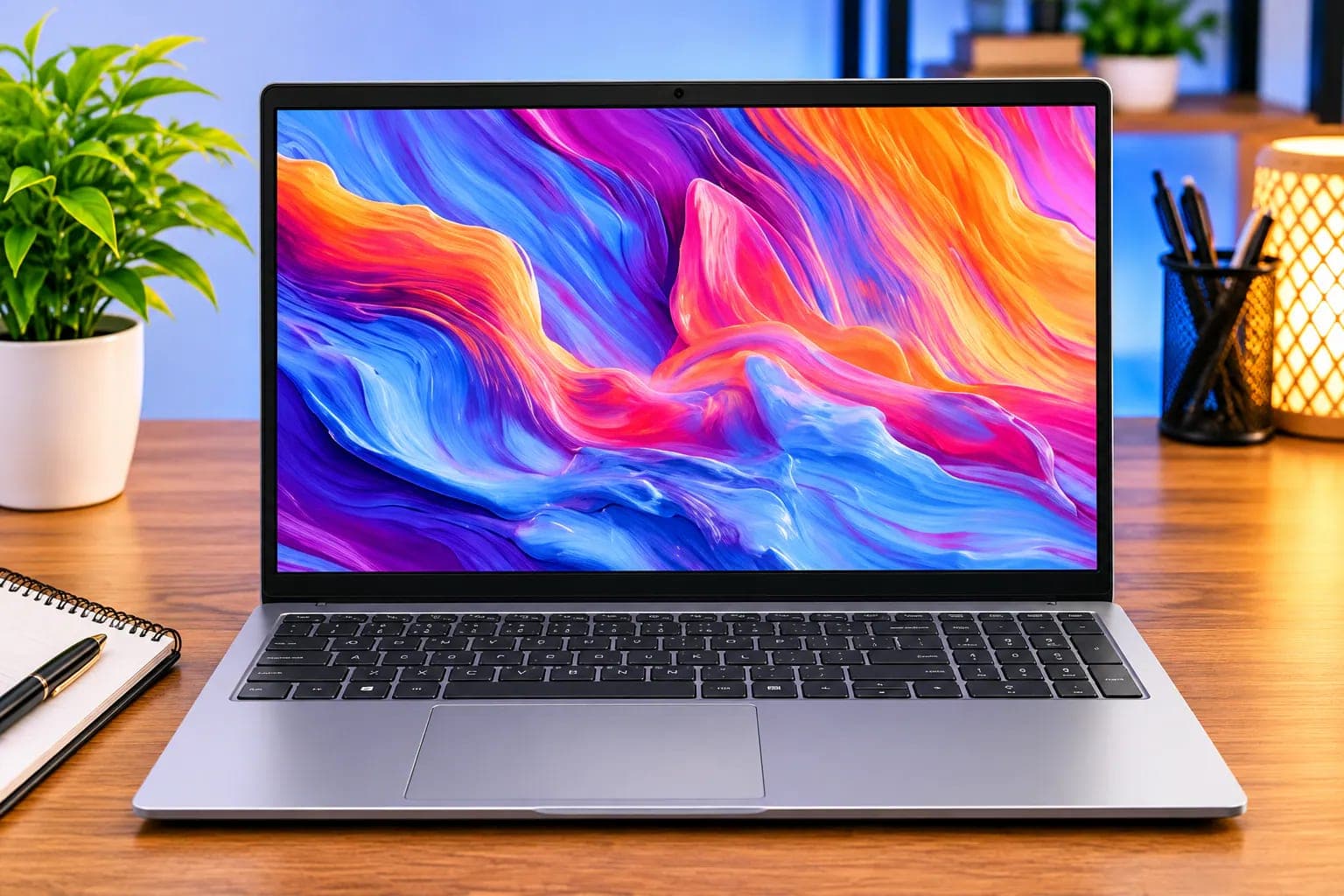
Dell 15 AI Laptop (D15260)
₹77,890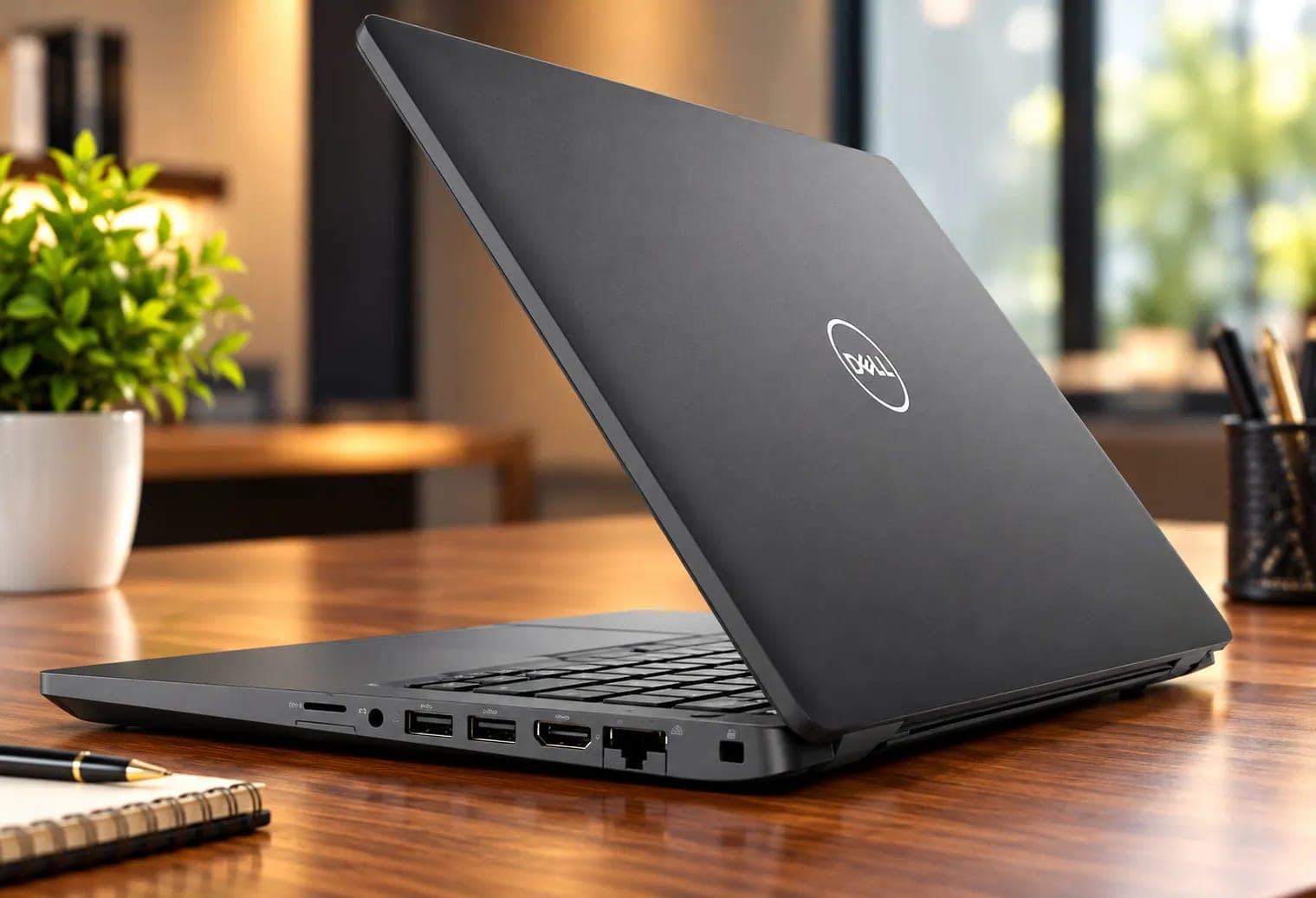
Dell Latitude 5400
₹79,000
Dell Latitude 7420
₹90,000
Dell Latitude 5420
₹1,06,021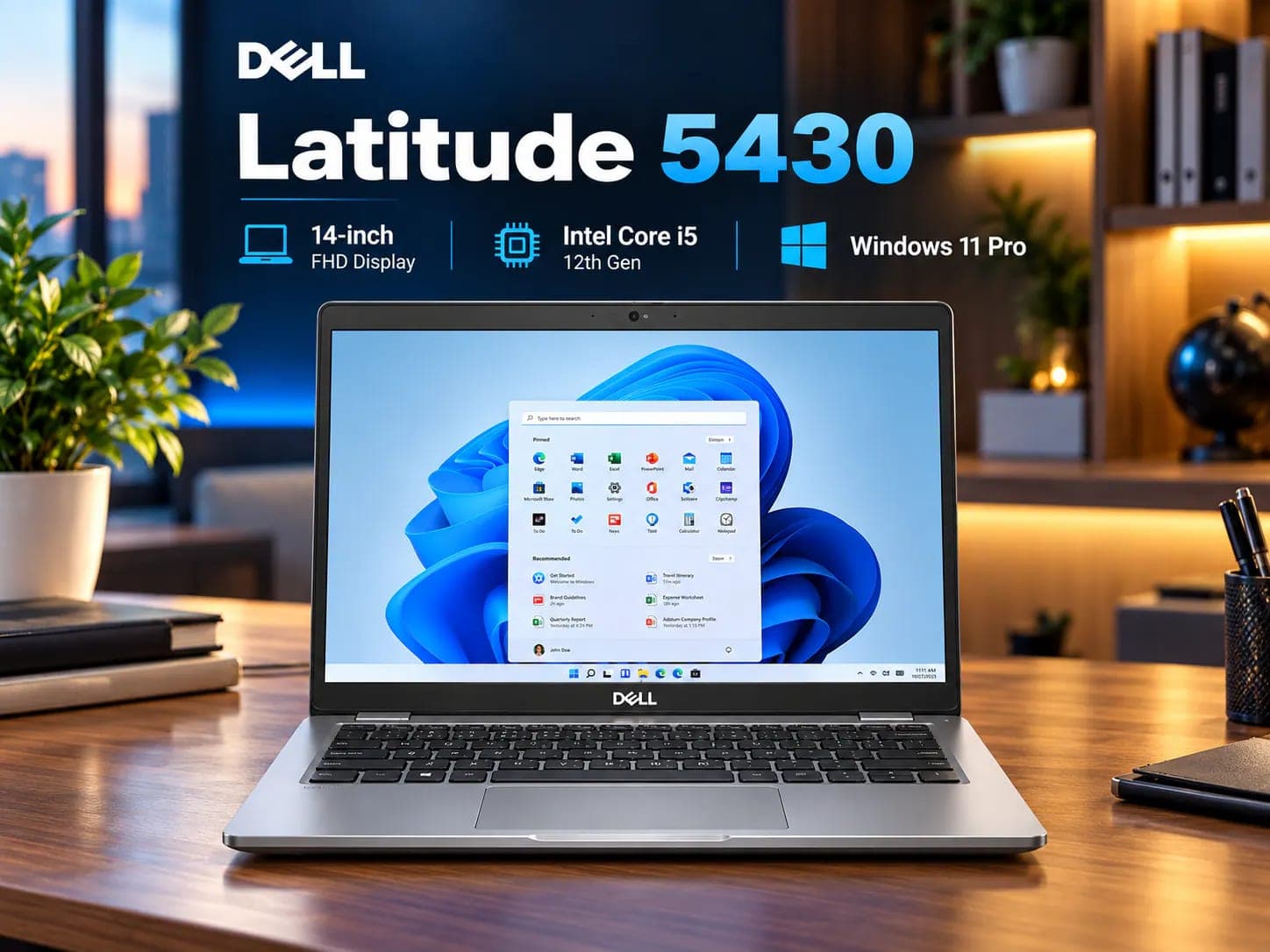
Dell Latitude 5430
₹1,22,799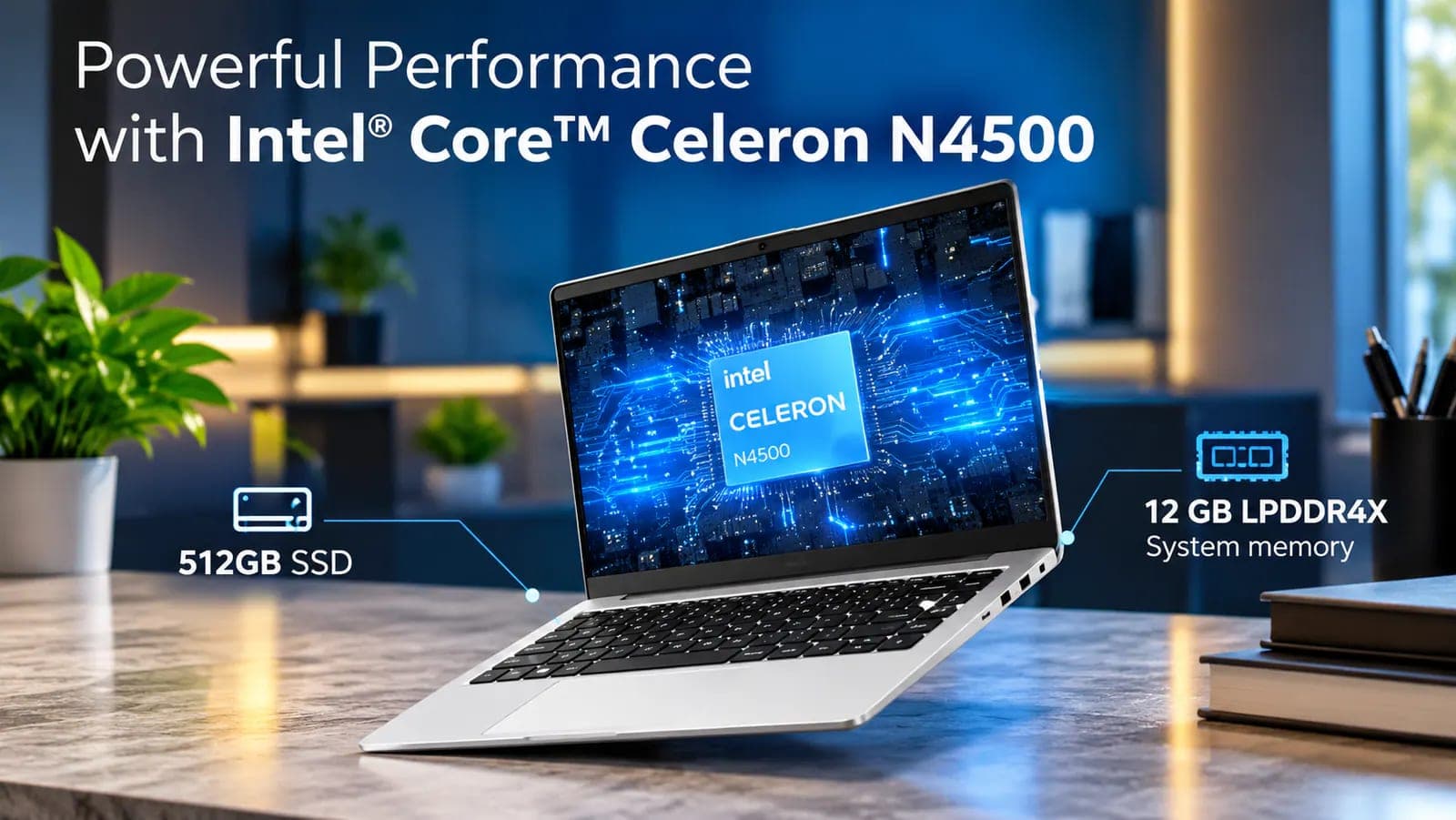
Acer Aspire 1 (Intel Celeron)
₹35,000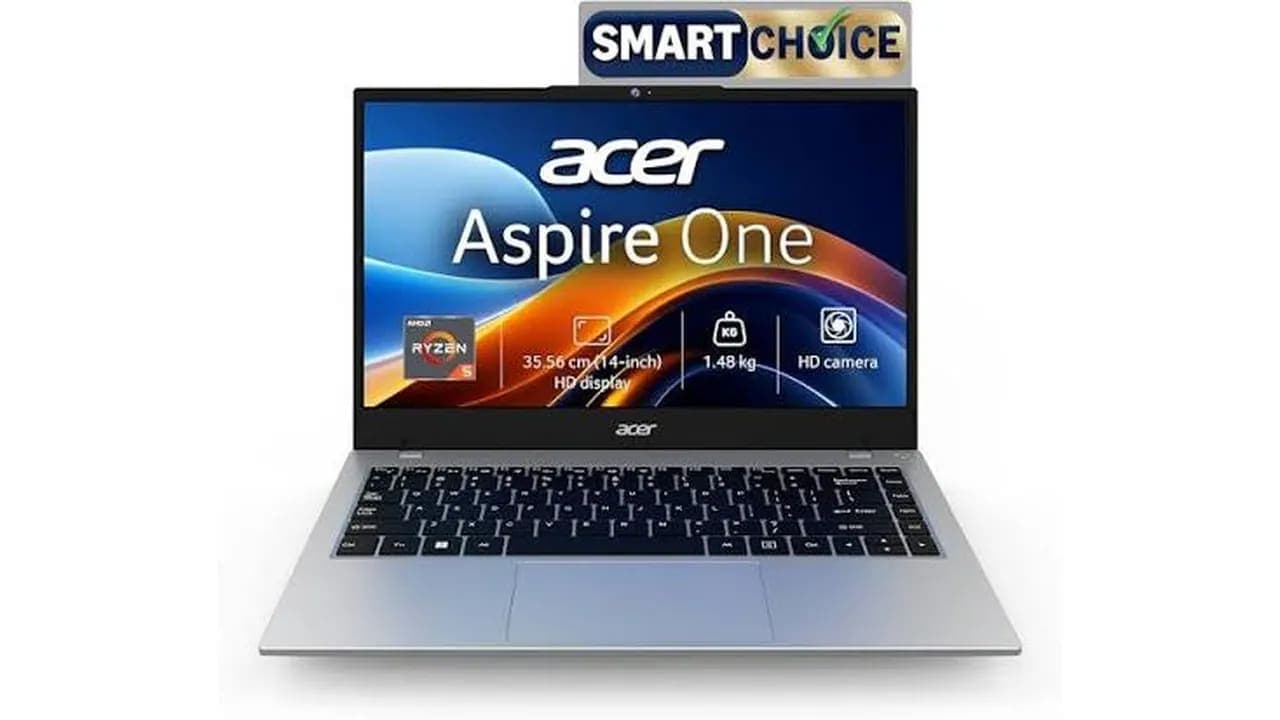
Acer Aspire 14 (AMD Ryzen Variant)
₹40,000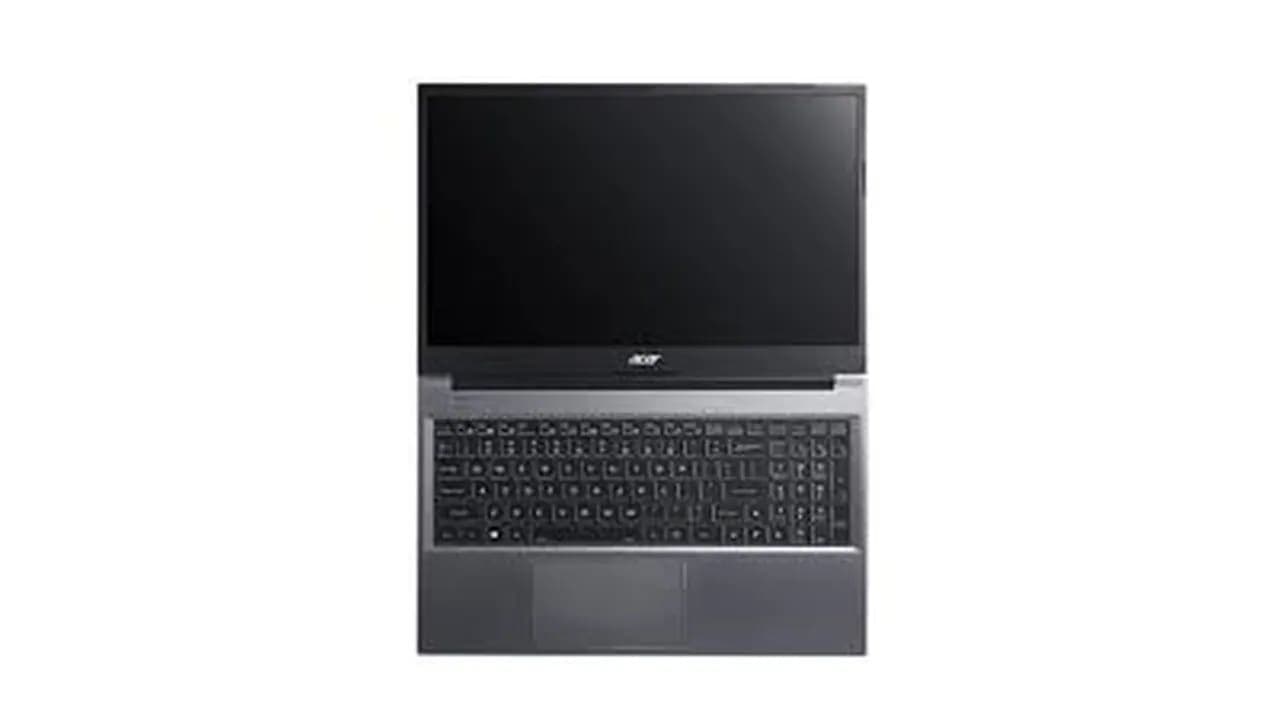
Acer Aspire Lite (AMD Ryzen 3)
₹42,989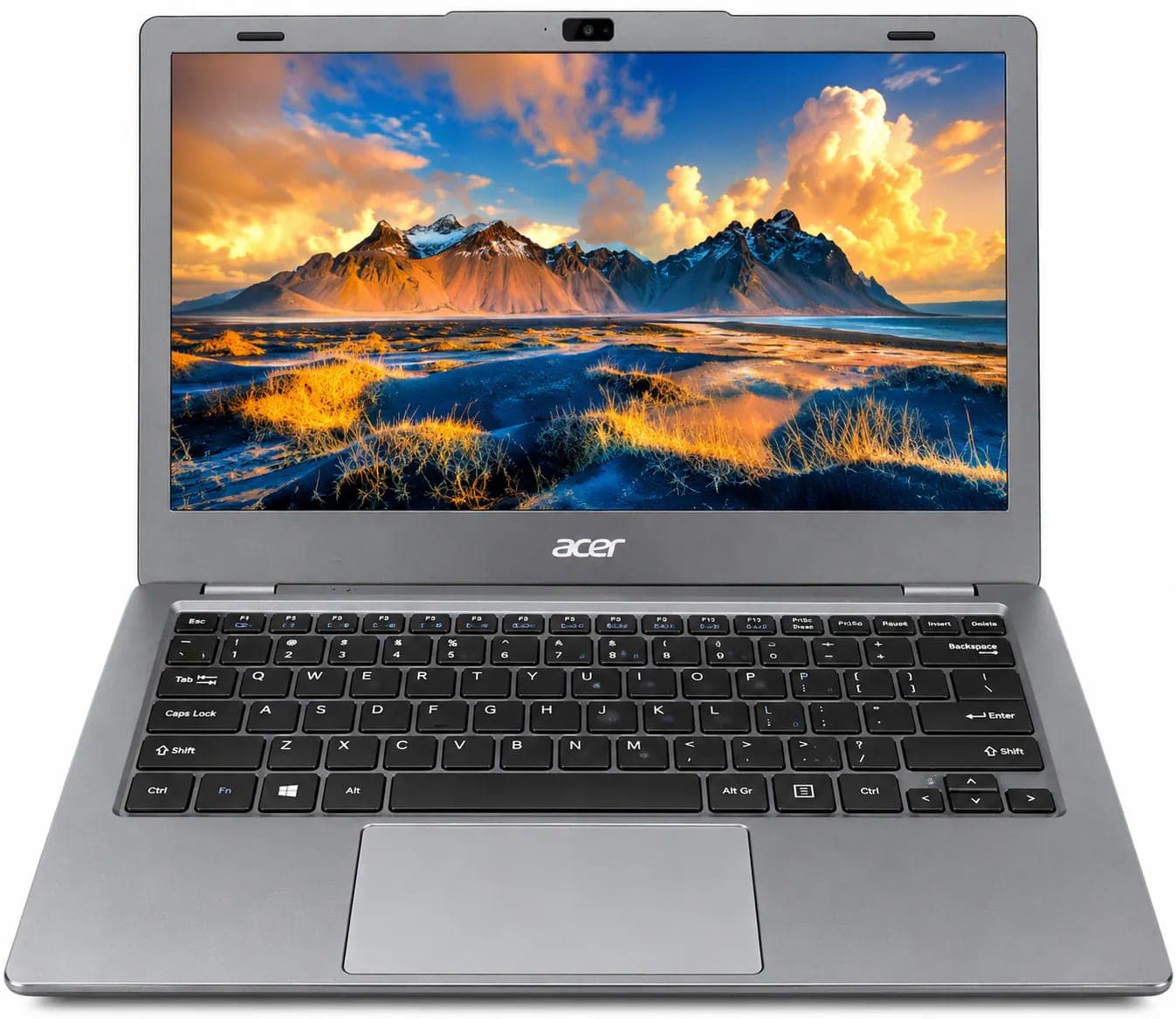
Acer Aspire 3 (Intel Celeron Dual-Core)
₹29,990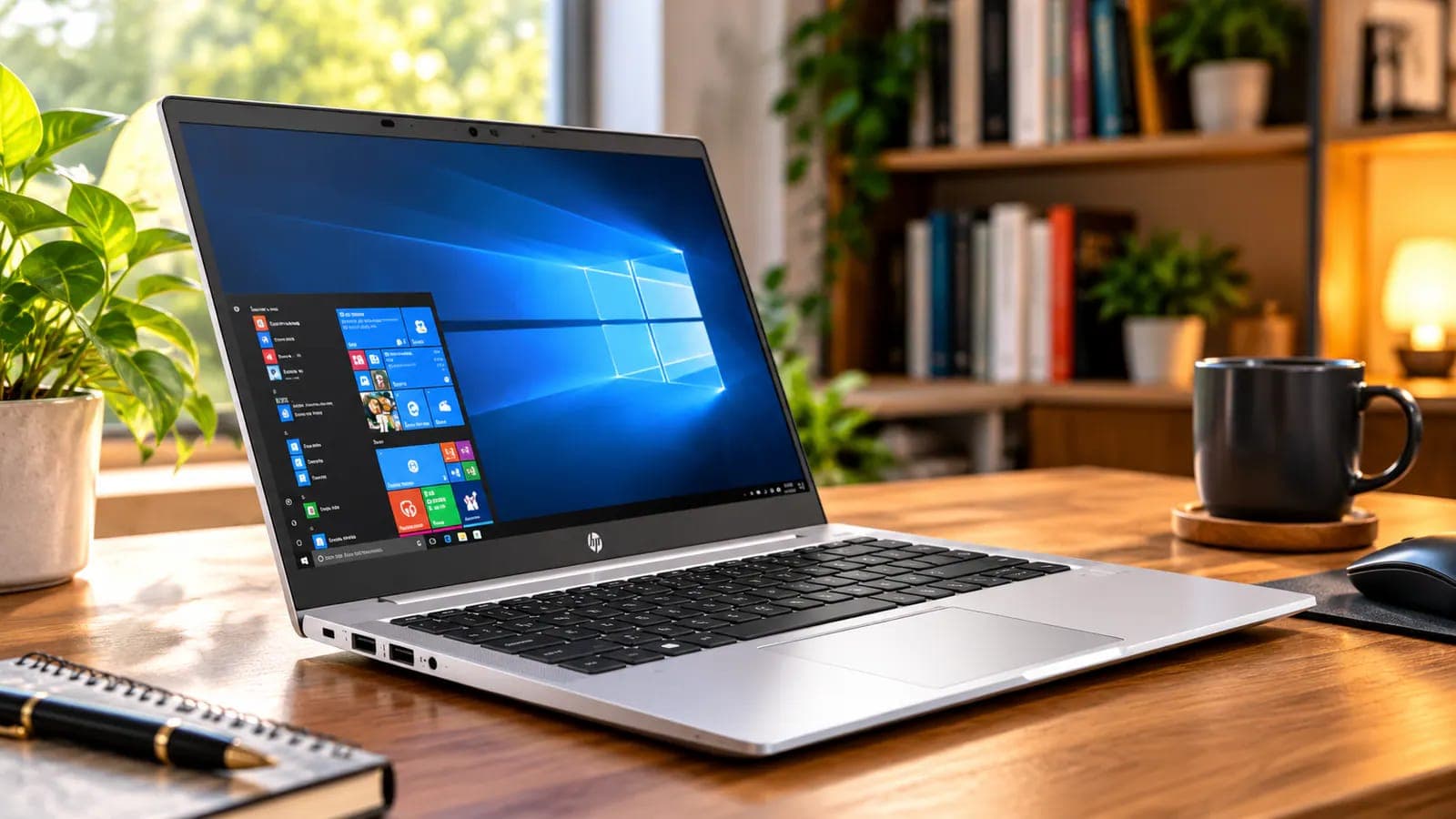
HP EliteBook 840 G7
₹1,20,000