Laptop / considered pick
Dell Latitude 5410
A laptop selected for the way you work, create, play and move through the day.
₹70,000ProcessorIntel Core i5-10310U (10th Gen)Ram16 GB DDR4 (or 8 GB DDR4 depending on your model)Storage512 GB NVMe SSDDisplay14.0-inch FHD (1920 x 1080) Anti-GlareBattery Life68Whr Battery (Approx. 6–8 hours backup)Graphics CardIntel UHD GraphicsPorts1x USB Type-C (Power Delivery), 3x USB 3.2 Gen 1, HDMI, RJ45 Ethernet, Headphone/Microphone combo jackOsWindows 11 Pro / Ubuntu LinuxWeight1.47 kg
Usage
Dell laptops india
Dell Latitude 5410 Review: Price in India, Specifications, i5 10th Generation, 8GB RAM and 256GB SSD
Are you looking for a good laptop for office work, study, coding, or daily use? The Dell Latitude 5410 can be a good option for you.
Dell Latitude 5410 is a business laptop from Dell. It comes with Intel Core i5 and Core i7 10th Generation processor options. It is designed for people who need a laptop for daily work, online classes, internet browsing, and multitasking.
Many people search for Dell 5410 price in India, Dell 5410 i5 10th generation, 8GB RAM, 256GB SSD, battery, keyboard, and touchscreen.
In this article, we will explain everything about the Dell Latitude 5410 in simple English. Let's check its features, specifications, price, performance, and other important details.
1. Dell Latitude 5410 i5 10th Generation
The Dell Latitude 5410 i5 10th Generation is a good choice for normal daily work.
Its Intel Core i5 processor can handle many everyday tasks.
You can use this laptop for:
• Internet browsing
• Watching YouTube videos
• MS Word and Excel
• Online classes
• Office work
• Basic photo editing
• Programming and coding
• Working with multiple applications
If you need a laptop for study, office work, or basic programming, the Dell Latitude 5410 i5 can be a useful option.
2. Dell Latitude 5410 i5 10th Generation 8GB RAM 256GB SSD
One popular configuration is the Dell Latitude 5410 i5 10th Generation with 8GB RAM and 256GB SSD.
This configuration is suitable for normal daily use.
Benefits of 8GB RAM:
• You can open multiple browser tabs.
• You can use MS Office applications.
• You can attend online meetings.
• You can do basic coding and programming.
Benefits of 256GB SSD:
• The laptop starts faster.
• Windows loads quickly.
• Applications open faster.
• File transfer is faster than on a traditional hard drive.
If you use heavy software or run many applications together, 16GB RAM and 512GB SSD may be a better choice.
3. Dell Latitude 5410 i7 10th Generation
The Dell Latitude 5410 also comes with Intel Core i7 10th Generation processor options.
The i7 version can be useful for people who need more processing power for their work.
You can use it for:
• Software development
• Programming
• Office multitasking
• Working with large Excel files
• Basic content editing
However, performance also depends on RAM, SSD, cooling, and laptop condition.
4. Dell Latitude 5410 Price in India
One of the most common searches is Dell 5410 price in India.
Dell Latitude 5410 is an older business laptop. Today, you can mainly find it in the second-hand and refurbished laptop market.
Its price depends on several things:
• Processor (i5 or i7)
• RAM (8GB or 16GB)
• SSD (256GB or 512GB)
• Display condition
• Battery health
• Physical condition
• Warranty and seller
5. Dell Latitude 5410 Battery
Battery life is an important thing to check before buying any used laptop.
The Dell 5410 battery backup depends on its battery health and how you use the laptop.
Battery backup can change because of:
• Screen brightness
• Internet usage
• Background applications
• Processor workload
• Battery age
If you are buying a refurbished Dell Latitude 5410, always check the battery condition.
How to check Dell 5410 battery health:
1. Open Command Prompt in Windows.
2. Type the following command.
3. Press Enter.
7. Dell Latitude 5410 Keyboard
The Dell Latitude 5410 keyboard is designed for regular office and business work.
You can use it for:
• Daily typing
• Programming
• Writing documents
• Using MS Word and Excel
• Sending emails
• Office work
If you are buying a second-hand Dell 5410, check every keyboard key before making a payment.
8. Dell Latitude 5410 Touchscreen
Many users search for Dell 5410 i5 10th Generation touchscreen.
The Dell Latitude 5410 has touchscreen options in selected configurations. However, every Dell Latitude 5410 does not come with a touchscreen.
Some versions have a normal display, while selected versions have a touch display.
Always confirm the display type before buying the laptop.
9. Dell Latitude 5410 Drivers Download
If Wi-Fi, Bluetooth, sound, graphics, or the touchpad is not working properly, you may need to install or update the drivers.
You can download Dell 5410 drivers from the official Dell website.
How to download Dell Latitude 5410 drivers:
1. Open the official Dell support website.
2. Search for Dell Latitude 5410.
3. Open the Drivers and Downloads section.
4. Select your Windows version.
5. Download the required driver.
6. Install it and restart your laptop.
Important drivers include:
• Wi-Fi Driver
• Bluetooth Driver
• Audio Driver
• Graphics Driver
• Chipset Driver
• Touchpad Driver
• BIOS Update
10. Dell Latitude 5410 2-in-1
Some people search for Dell 5410 2-in-1 because they want a laptop with a touchscreen and a 360-degree display.
But the Dell Latitude 5410 is a normal business laptop. It is not a 360-degree convertible 2-in-1 laptop.
Some versions have touchscreen support, but a touchscreen does not mean that the display can rotate 360 degrees.
If you want a convertible Dell laptop, you can also check the Dell Latitude 5310 2-in-1.
11. Dell 5410 i5 8th Generation
Many users search for Dell 5410 i5 8th Generation.
However, the Dell Latitude 5410 comes with 10th Generation Intel processor options.
If you are looking for an 8th Generation Dell Latitude laptop, you can check the Dell Latitude 5400.
Always check the processor generation before buying a used laptop.
12. Dell 5410 i5 11th Generation
Another common search is Dell 5410 i5 11th Generation.
The Dell Latitude 5410 uses 10th Generation Intel processors.
If you want an 11th Generation Dell business laptop, you can check the Dell Latitude 5420.
Here is a simple comparison:
Laptop Model Processor Generation
Dell Latitude 5400 8th Gen options
Dell Latitude 5410 10th Gen options
Dell Latitude 5420 11th Gen options
This will help you choose the correct laptop.
13. Dell Latitude 5410 Gaming Performance
The Dell Latitude 5410 is mainly made for business and office work. It is not a gaming laptop.
You can play some basic games on it, but it is not the best choice for heavy games.
Its gaming performance depends on the processor, RAM, and integrated graphics.
If you want to play high-graphics games, choose a laptop with a dedicated graphics card.
14. Is Dell Latitude 5410 Good for Students and Programmers?
Yes, the Dell Latitude 5410 can be a useful laptop for students and beginner programmers.
You can use it for learning and working with:
• HTML and CSS
• JavaScript
• React.js
• Node.js
• Express.js
• MongoDB
• Visual Studio Code
• Git and GitHub
• MySQL
It is also useful for online classes, assignments, internet browsing, and office work.
If you want to do programming and multitasking, the 16GB RAM version is a better choice.
15. Advantages and Disadvantages of Dell Latitude 5410
Let's look at some good and bad points of this laptop.
Advantages:
• Good for normal office work.
• Intel Core i5 and i7 options.
• SSD storage support.
• RAM upgrade support.
• Useful for students.
• Suitable for basic programming.
• Available in the refurbished market.
Disadvantages:
• Older processor generation.
• Battery condition may not be the same in every laptop.
• Not suitable for heavy gaming.
• Not every version has a touchscreen.
• Used laptop condition depends on the seller.
16. Things to Check Before Buying Dell Latitude 5410
If you are planning to buy a second-hand or refurbished Dell Latitude 5410, check these things first.
1. Check the processor generation.
2. Check the RAM capacity.
3. Check SSD health.
4. Check battery backup.
5. Check the display for lines or spots.
6. Test all keyboard keys.
7. Check Wi-Fi and Bluetooth.
8. Test USB and HDMI ports.
9. Check the charger.
10. Ask about warranty and return policy.
These checks can help you avoid problems after buying the laptop.
17. Dell Latitude 5410 vs Dell Latitude 5420
If you are confused between Dell Latitude 5410 and Dell Latitude 5420, here is a simple comparison.
Features Latitude 5410 Latitude 5420
Processor 10th Gen options 11th Gen options
Display 14-inch 14-inch
Laptop Type Business Laptop Business Laptop
Graphics Integrated Intel Graphics Integrated Intel Graphics options
Main Use Office and Study Office and Study
If you have a limited budget, a good-condition Dell Latitude 5410 can be a useful choice.
If you want a newer processor generation, you can also consider the Dell Latitude 5420.
18. Is Dell Latitude 5410 Worth Buying in 2026?
Yes, the Dell Latitude 5410 can still be a useful option in 2026 if you find it at a good price and in good condition.
It can be used for:
• Office work
• Online classes
• Internet browsing
• Programming
• Watching videos
• Daily computer tasks
Before buying, check the battery, display, keyboard, RAM, and SSD.
If you find a Dell Latitude 5410 i5 10th Generation with 8GB RAM and 256GB SSD in good condition, it can be a practical choice for everyday use.
Frequently Asked Questions (FAQs)
Q1. What is the price of Dell Latitude 5410 in India?
The refurbished Dell Latitude 5410 may cost around ₹22,000 to ₹38,000, depending on its configuration and condition.
Q2. Which processor is used in Dell Latitude 5410?
It comes with Intel Core i5 and Core i7 10th Generation processor options.
Q3. Does Dell Latitude 5410 have 8GB RAM?
Yes, an 8GB RAM version is available.
Q4. Does Dell Latitude 5410 have a 256GB SSD?
Yes, selected configurations come with a 256GB SSD.
Q5. Is Dell Latitude 5410 a touchscreen laptop?
Some versions have touchscreen displays, but not all models support touch.
Q6. Can I upgrade RAM in Dell Latitude 5410?
Yes, its RAM can be upgraded. The maximum capacity depends on the memory configuration.
Q7. Is Dell Latitude 5410 good for programming?
Yes, it can be useful for basic and intermediate programming.
Q8. Does Dell Latitude 5410 support Windows 11?
Compatible configurations can run Windows 11. Check the official hardware requirements before installation.
Q9. What is the difference between Dell Latitude 5410 and 5420?
The Latitude 5410 uses 10th Generation Intel processor options, while the Latitude 5420 uses 11th Generation options.
Q10. Is Dell Latitude 5410 good for gaming?
It is suitable for some basic games but is not recommended for heavy gaming.
Conclusion
The Dell Latitude 5410 is a useful business laptop for students, office workers, and programmers.
It comes with Intel Core i5 and i7 processor options, SSD storage, and upgradeable RAM. It can handle daily tasks, office work, online classes, and basic programming.
If you are planning to buy this laptop, check its battery, display, keyboard, SSD, and overall condition before making your decision.
We hope this article helped you learn more about the Dell Latitude 5410.Choosing the right laptop can be difficult, especially when there are hundreds of models available from different brands. Whether you are a student, video editor, photographer, programmer, or professional, selecting the best laptop depends on your budget, performance requirements, and daily usage.
In this guide, we will explore the best laptops for video editing, the best laptops for students, programming laptops, and some of the best laptop options under ₹60,000 and ₹70,000.
1. Best Laptop for Video Editing
If you work with video editing software such as Adobe Premiere Pro, DaVinci Resolve, or Filmora, you need a laptop with powerful processing capabilities.
The best laptop for video editing should offer:
• Intel Core i5 or i7 or AMD Ryzen 5 or Ryzen 7 processor.
• Minimum 16GB RAM for comfortable editing.
• 512GB SSD or higher for storing projects.
• Dedicated NVIDIA graphics for demanding editing workloads.
• Full HD or higher resolution display with good colour accuracy.
For professional video editing, consider laptops with powerful processors, dedicated GPUs, and upgradeable memory.
2. Best Laptop for Photo and Video Editing
Photo and video editing require different performance capabilities. Applications such as Adobe Photoshop and Lightroom benefit from a fast processor, sufficient RAM, and a colour-accurate display.
Look for these specifications:
• 16GB RAM or more.
• Intel Core i5/i7 or AMD Ryzen 5/7.
• SSD storage for faster file access.
• IPS display with good colour reproduction.
• Dedicated graphics for demanding creative workflows.
A laptop with these specifications can help photographers and content creators work efficiently.
3. Best Laptops for Students
Students need laptops that are reliable, affordable, portable, and capable of handling everyday academic tasks.
The best laptop for students should support online classes, assignments, presentations, web browsing, programming basics, and multitasking.
Recommended specifications:
• Intel Core i3/i5 or AMD Ryzen 3/5.
• 8GB RAM minimum.
• 256GB or 512GB SSD.
• Full HD display.
• Good battery backup.
• Lightweight and portable design.
Students can also consider refurbished business laptops from Dell Latitude, HP EliteBook, and Lenovo ThinkPad series, depending on their condition and warranty.
4. Best Laptop Under ₹60,000
If your budget is ₹60,000, you can find laptops suitable for office work, college projects, programming, multitasking, and light content creation.
Important specifications to consider:
• Intel Core i5 or AMD Ryzen 5 processor.
• 16GB RAM preferred.
• 512GB SSD.
• Full HD IPS display.
• Good keyboard and battery life.
Before purchasing, compare processor generations, display quality, upgrade options, and warranty rather than choosing a laptop based only on its brand name.
5. Best Laptop Under ₹70,000
A budget of ₹70,000 provides more options for users who need better performance for programming, editing, professional work, and occasional gaming.
Consider these features:
• Intel Core i5/i7 or AMD Ryzen 5/7.
• 16GB RAM or upgradeable memory.
• 512GB or 1TB SSD.
• Dedicated graphics if required for editing or gaming.
• High-quality Full HD or higher-resolution display.
Compare different models from Dell, HP, Lenovo, ASUS, Acer, and MSI to find the right laptop for your requirements.
6. Best Laptop for Programming
Programmers and software developers need laptops that can handle coding environments, development tools, virtual machines, and multitasking.
The best laptops for programmers should have:
• Intel Core i5/i7 or AMD Ryzen 5/7.
• At least 16GB RAM.
• 512GB SSD.
• Comfortable backlit keyboard.
• Full HD display.
• Good thermal performance.
For Android development, machine learning, and heavier development workloads, consider 32GB RAM and a more powerful processor where your budget allows.
7. Best Laptops for Programmers
Different programming tasks require different laptop configurations.
Programming Work Recommended Configuration
Web Development Core i5 / Ryzen 5, 16GB RAM
Android Development Core i7 / Ryzen 7, 16GB–32GB RAM
Python Programming Core i5 / Ryzen 5, 16GB RAM
Machine Learning Powerful CPU, 32GB RAM, dedicated GPU
Software Development Core i5/i7, 16GB RAM, SSD
Choose a laptop according to the software and development tools you use regularly.
8. How to Choose the Best Laptop?
Before buying a laptop, consider these important factors:
1. Processor: Compare processor generation, cores, and performance.
2. RAM: Choose at least 8GB for basic tasks and 16GB for demanding workloads.
3. Storage: SSD storage provides faster boot times and application loading.
4. Display: Check resolution, brightness, panel type, and colour accuracy.
5. Battery: Consider battery life if you travel or attend college.
6. Graphics: Dedicated graphics are useful for gaming and demanding creative applications.
7. Price: Compare specifications and features within your budget.
Finding the best laptop for video editing, students, photography, or programming becomes easier when you understand your requirements and budget.
Whether you are searching for the best laptop under ₹60,000, the best laptop under ₹70,000, or a powerful laptop for programmers, always compare specifications, performance, features, and prices before purchasing.
More to consider
Similar laptops
Other laptops close to this price.
Dell Latitude 5400
₹79,000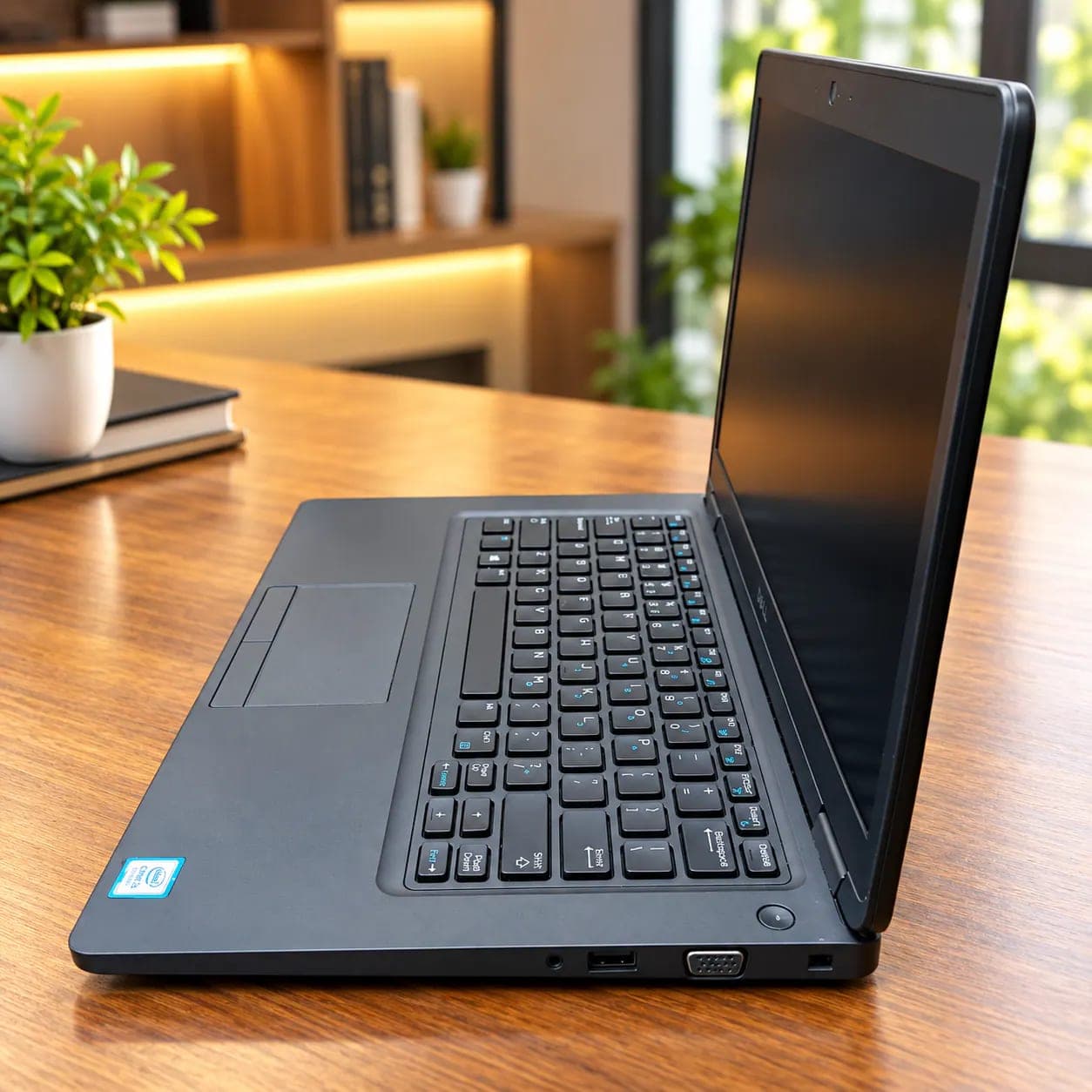
Dell Latitude 5590
₹50,000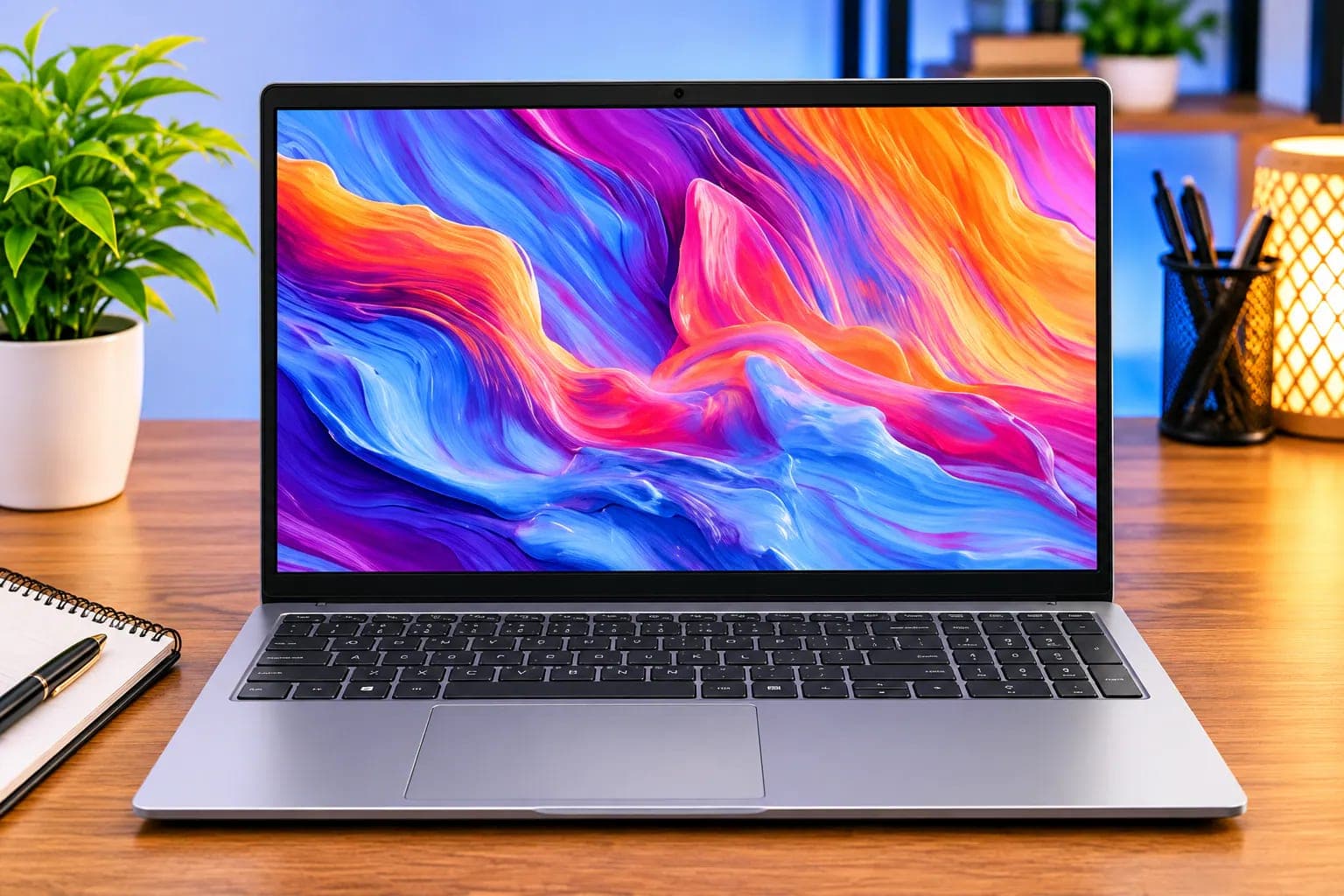
Dell 15 AI Laptop (D15260)
₹77,890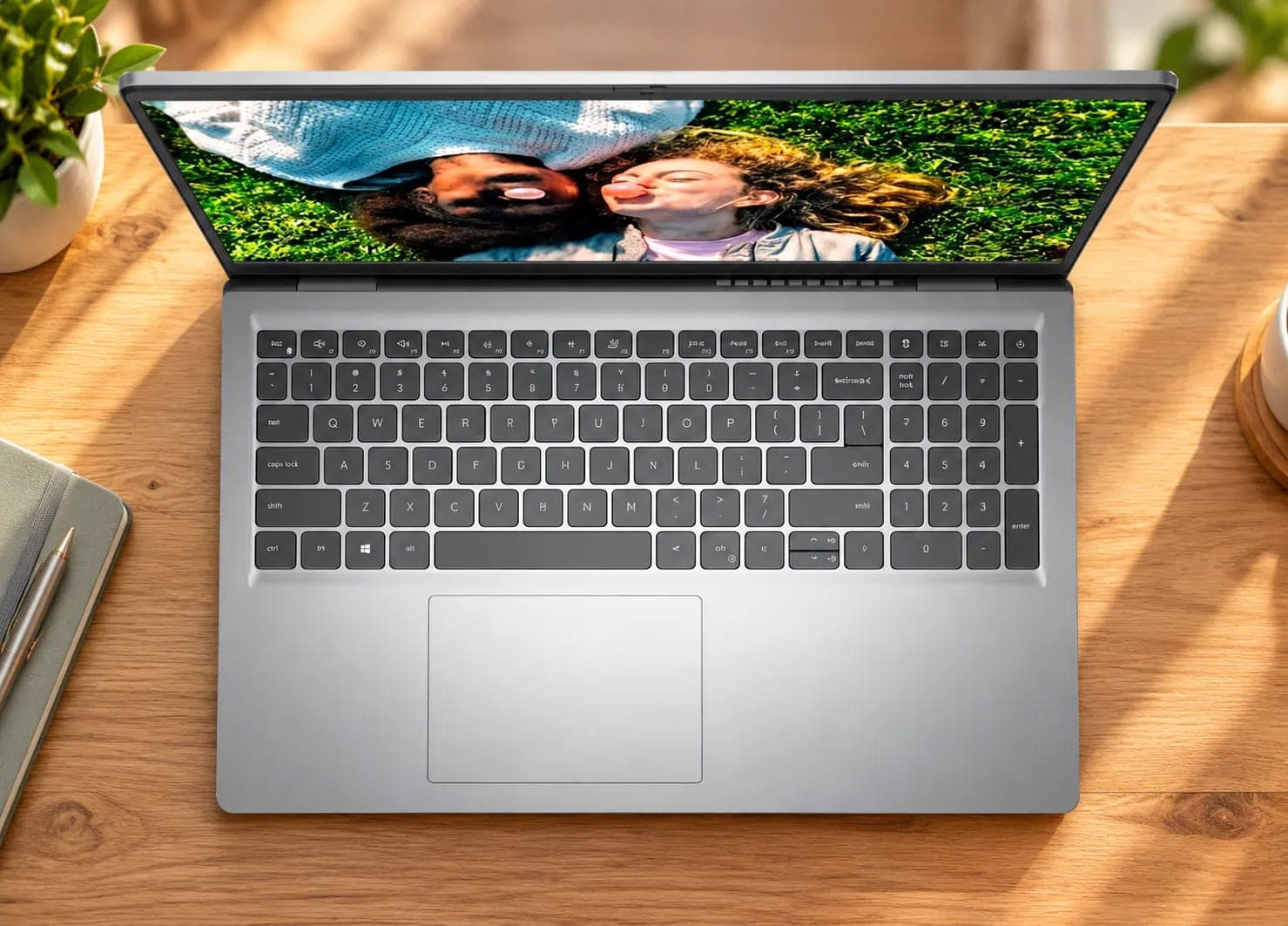
Dell Vostro 3520 (Inspiron 3000 Series)
₹45,000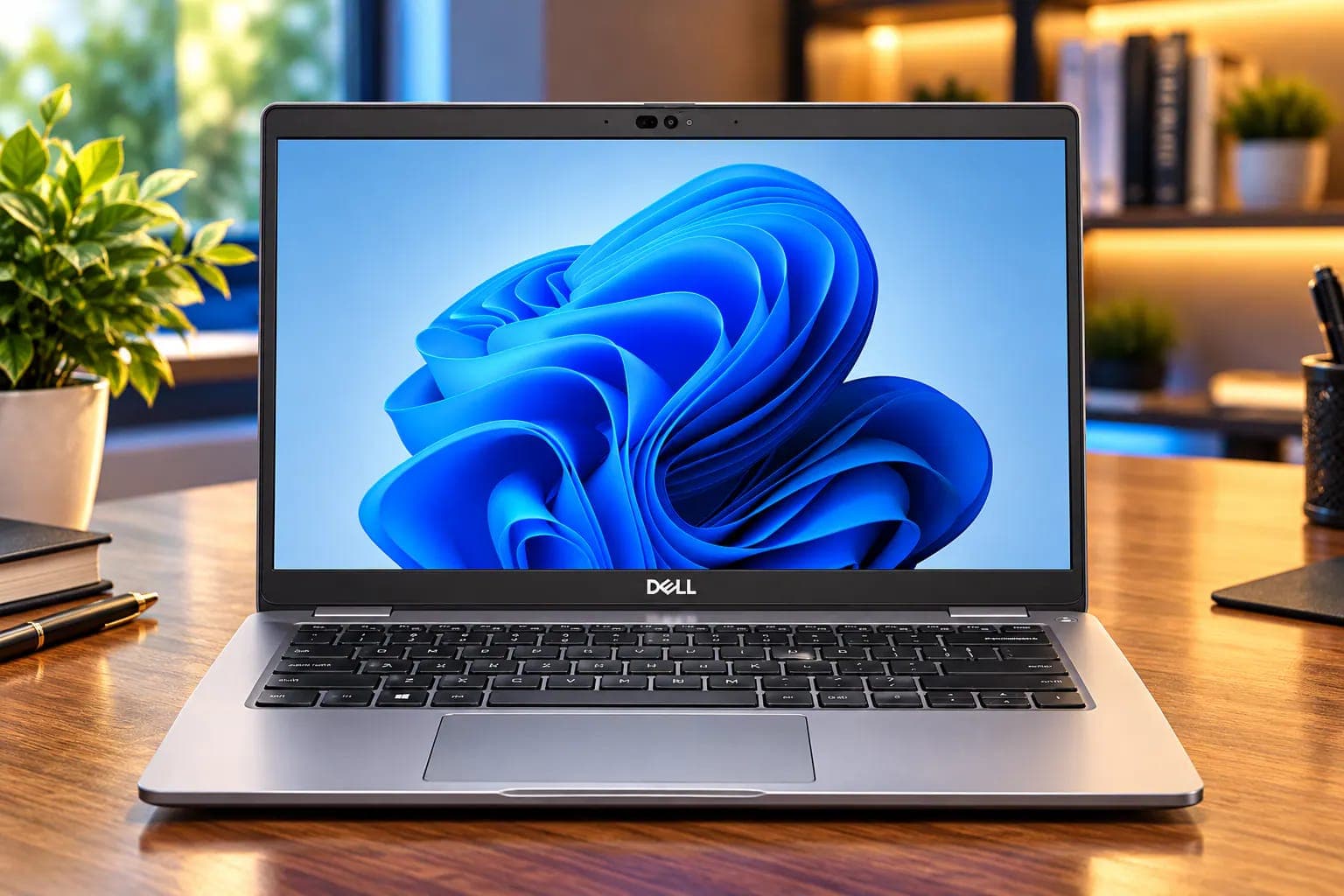
Dell Latitude 5420
₹1,06,021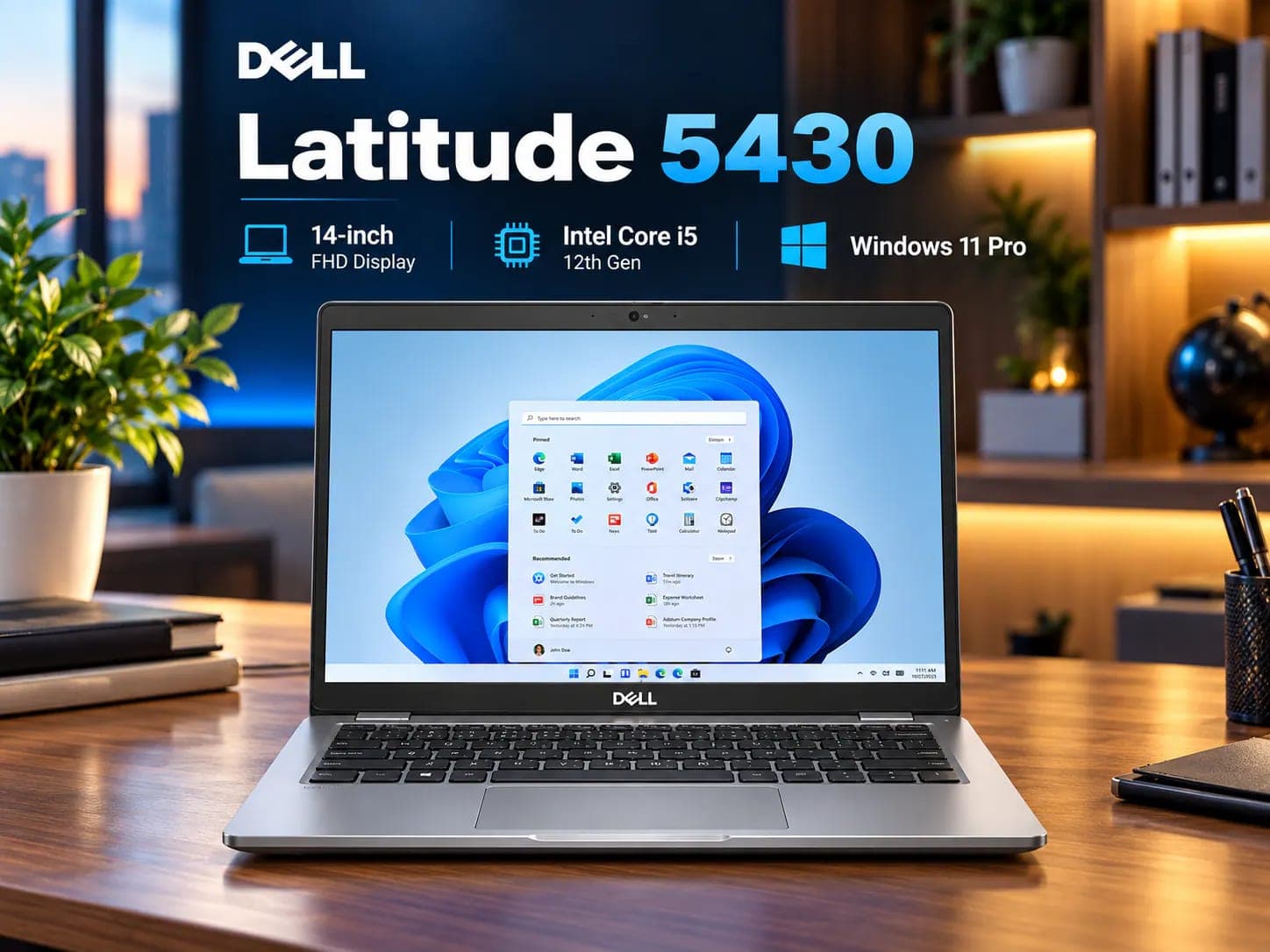
Dell Latitude 5430
₹1,22,799
Dell Latitude 7420
₹90,000
Dell Inspiron 15 3543 (3000 Series)
₹18,000
Acer Swift Neo (Intel Core Ultra 5 )
₹59,990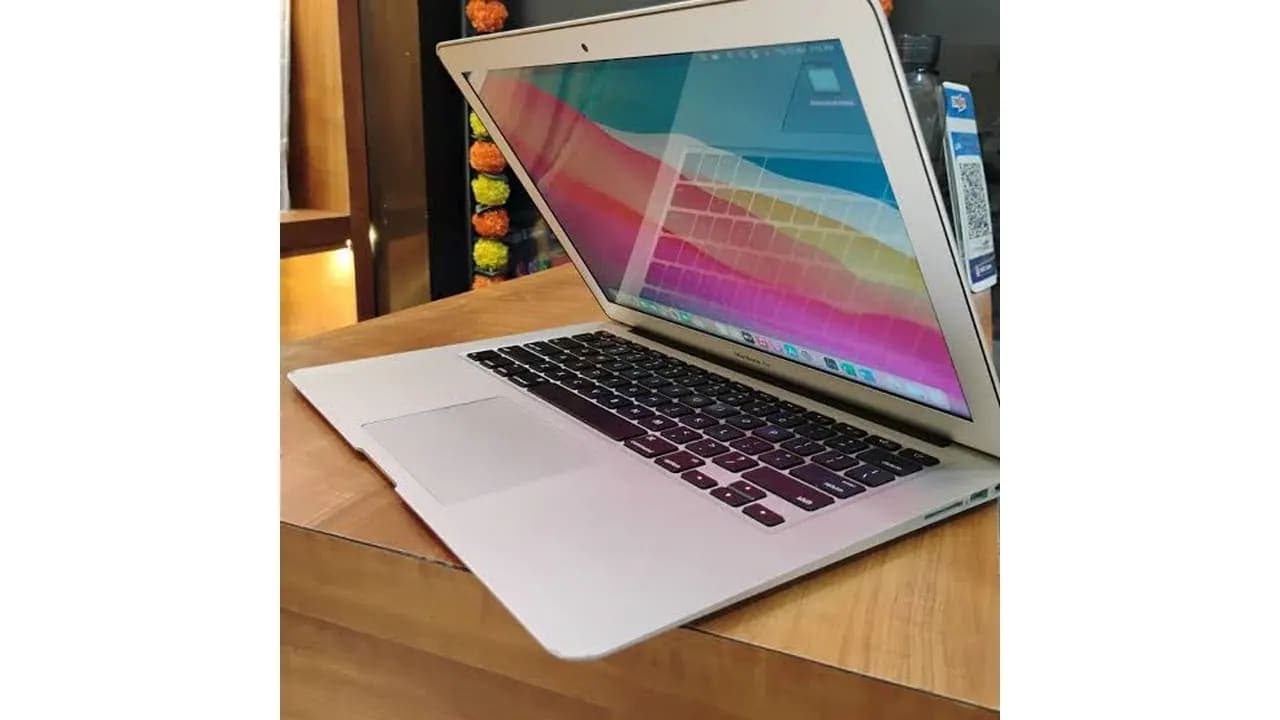
Apple MacBook Air 13(A1466)
₹64,999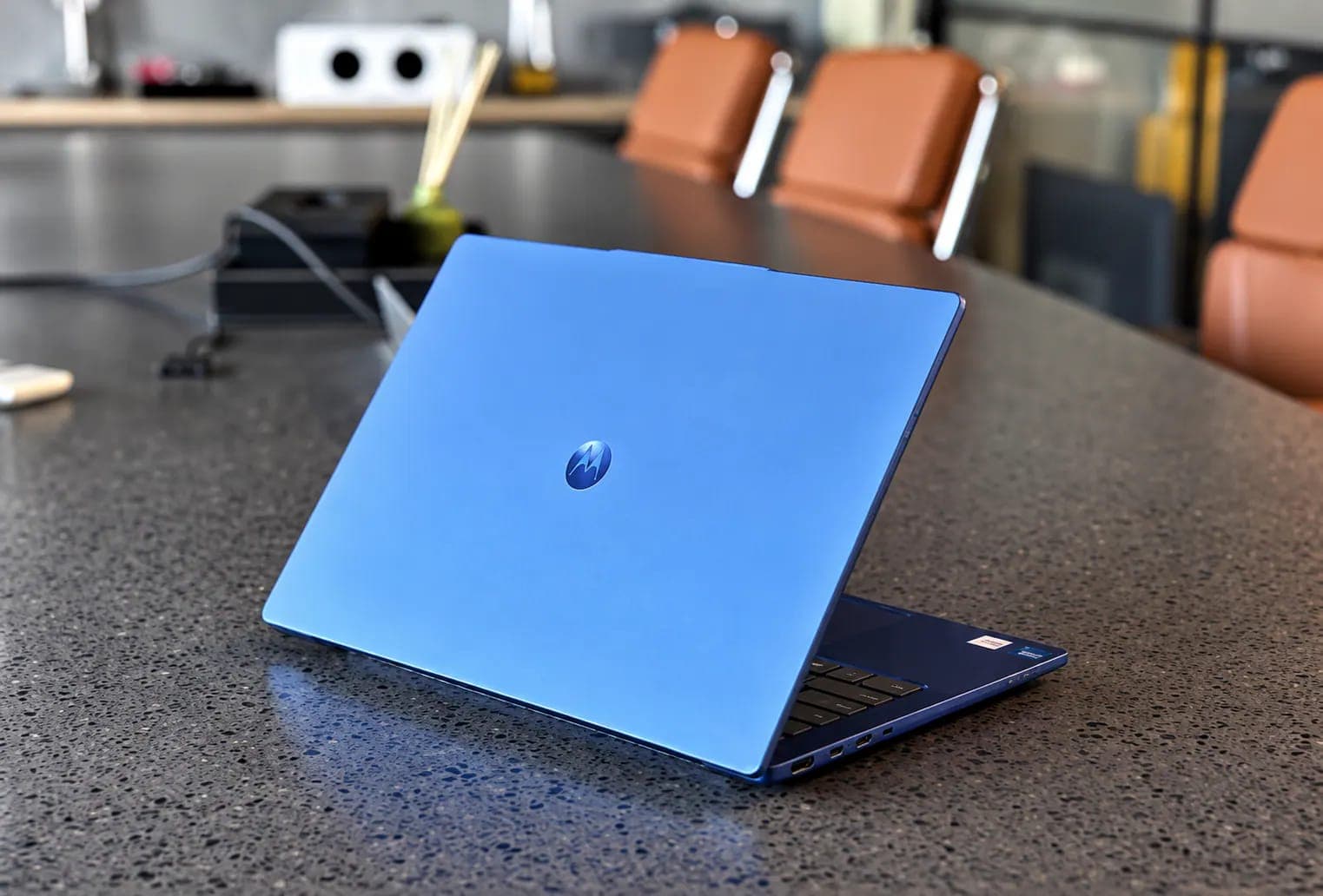
Motorola Motobook 60
₹69,990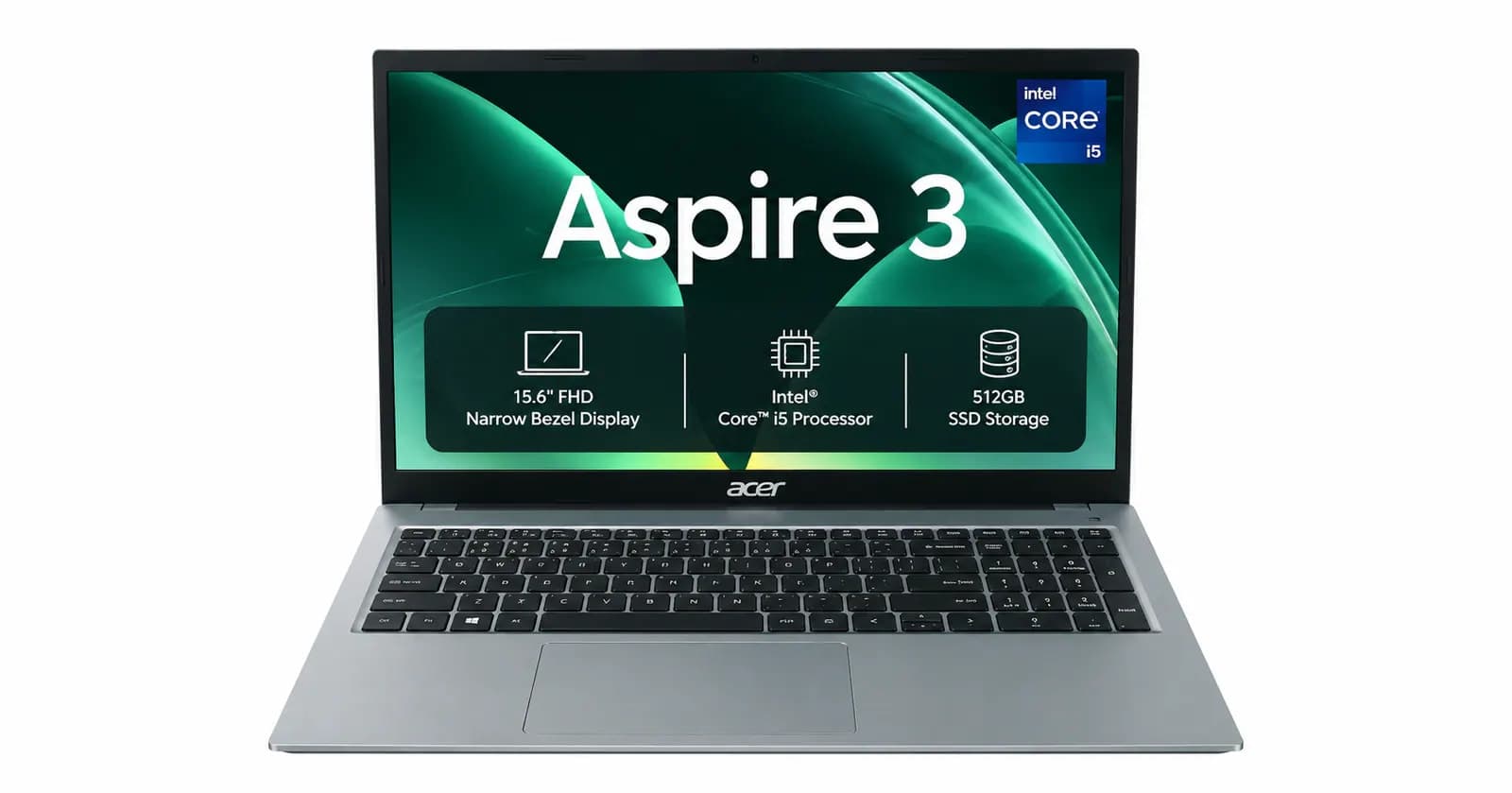
Acer Aspire 3 AI PC (Intel Core Ultra 5)
₹70,000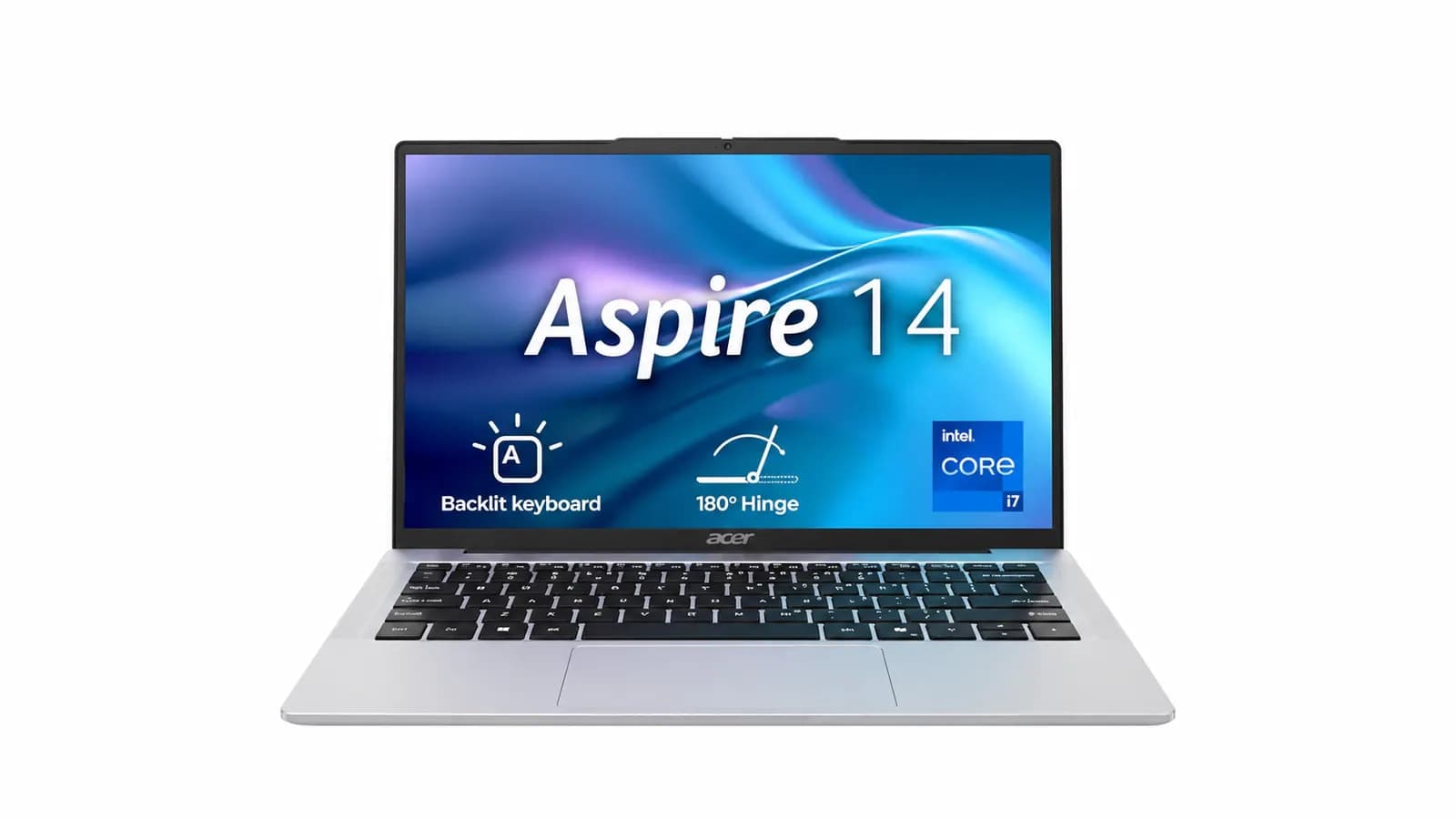
Acer Aspire 14 (Intel Core 5 Core Ultra)
₹70,990